

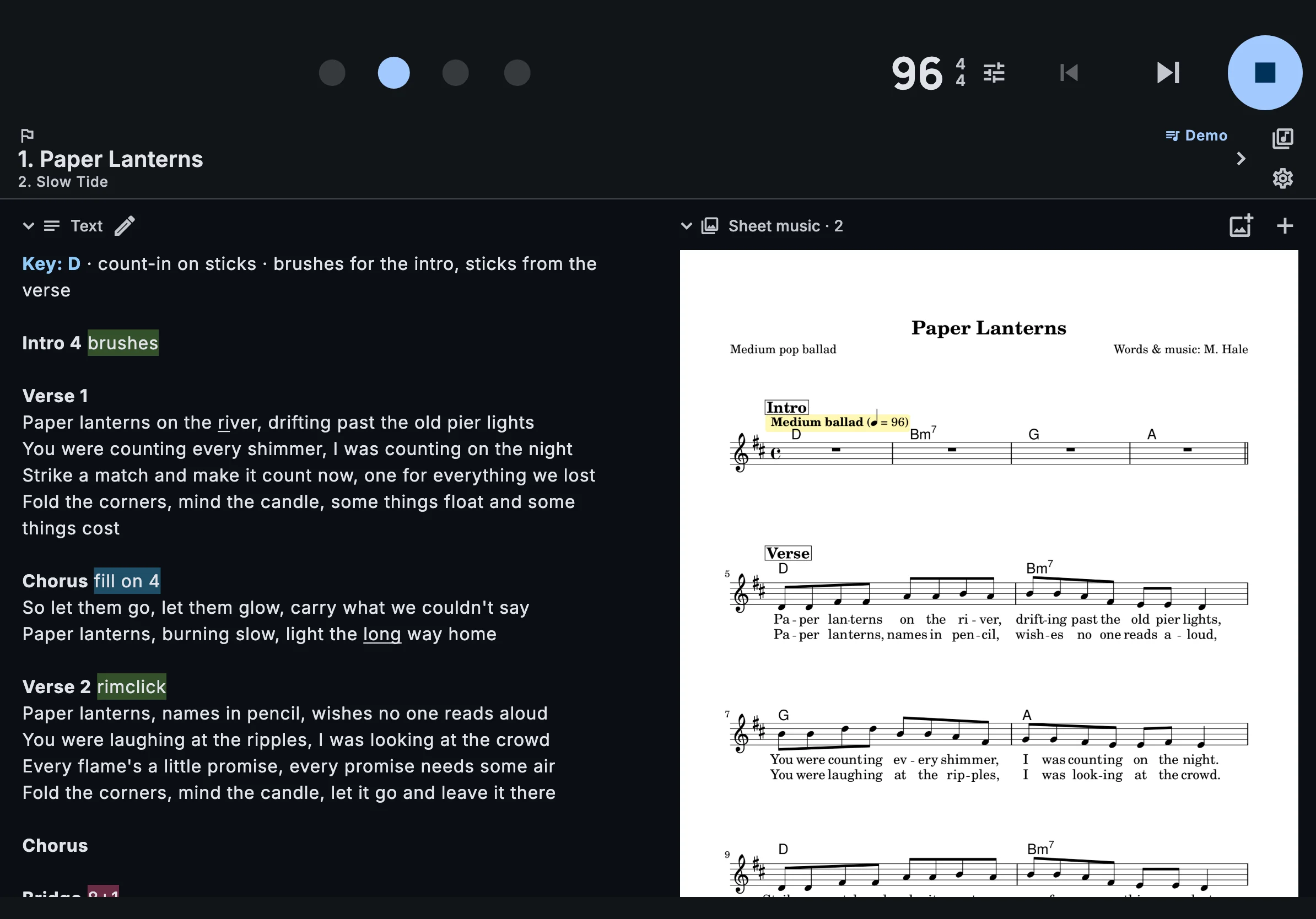
At a glance
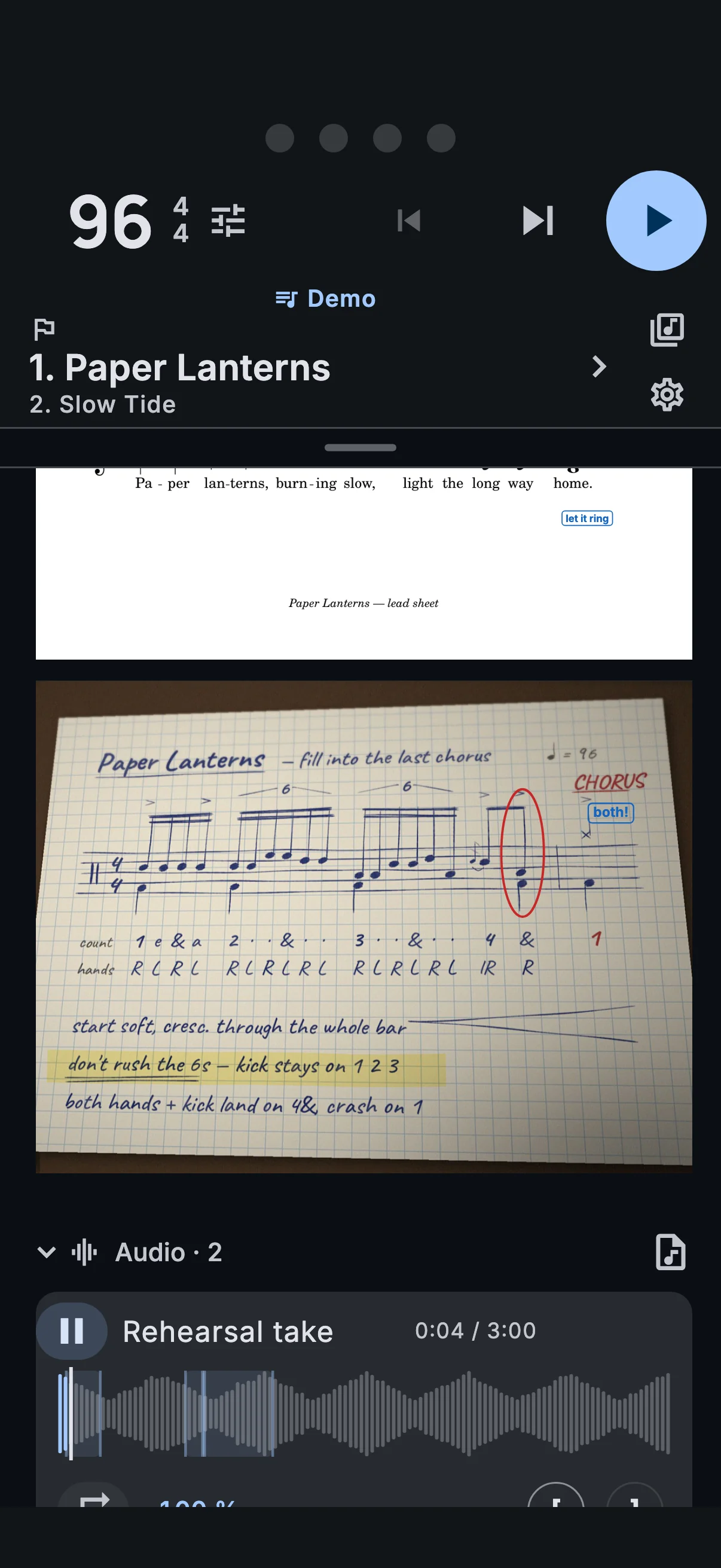
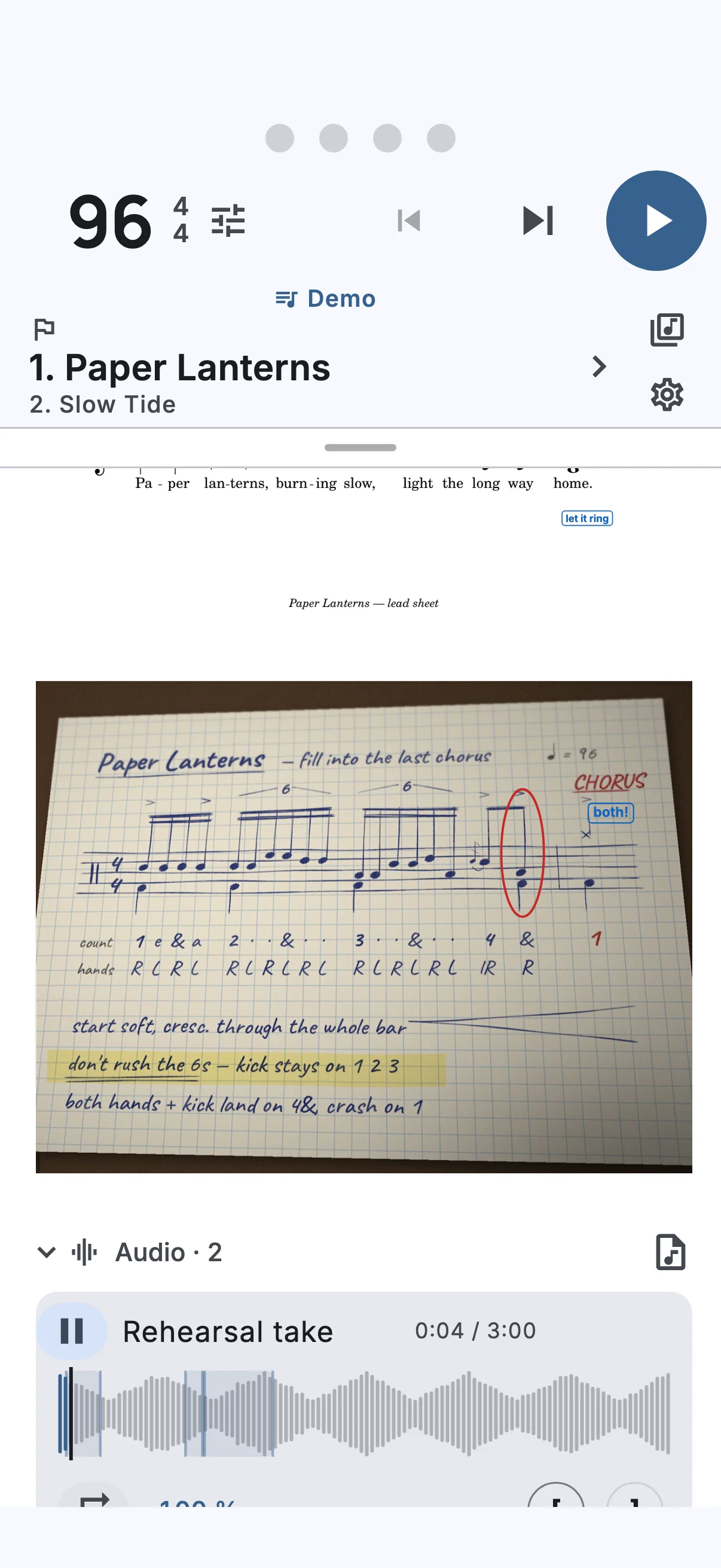
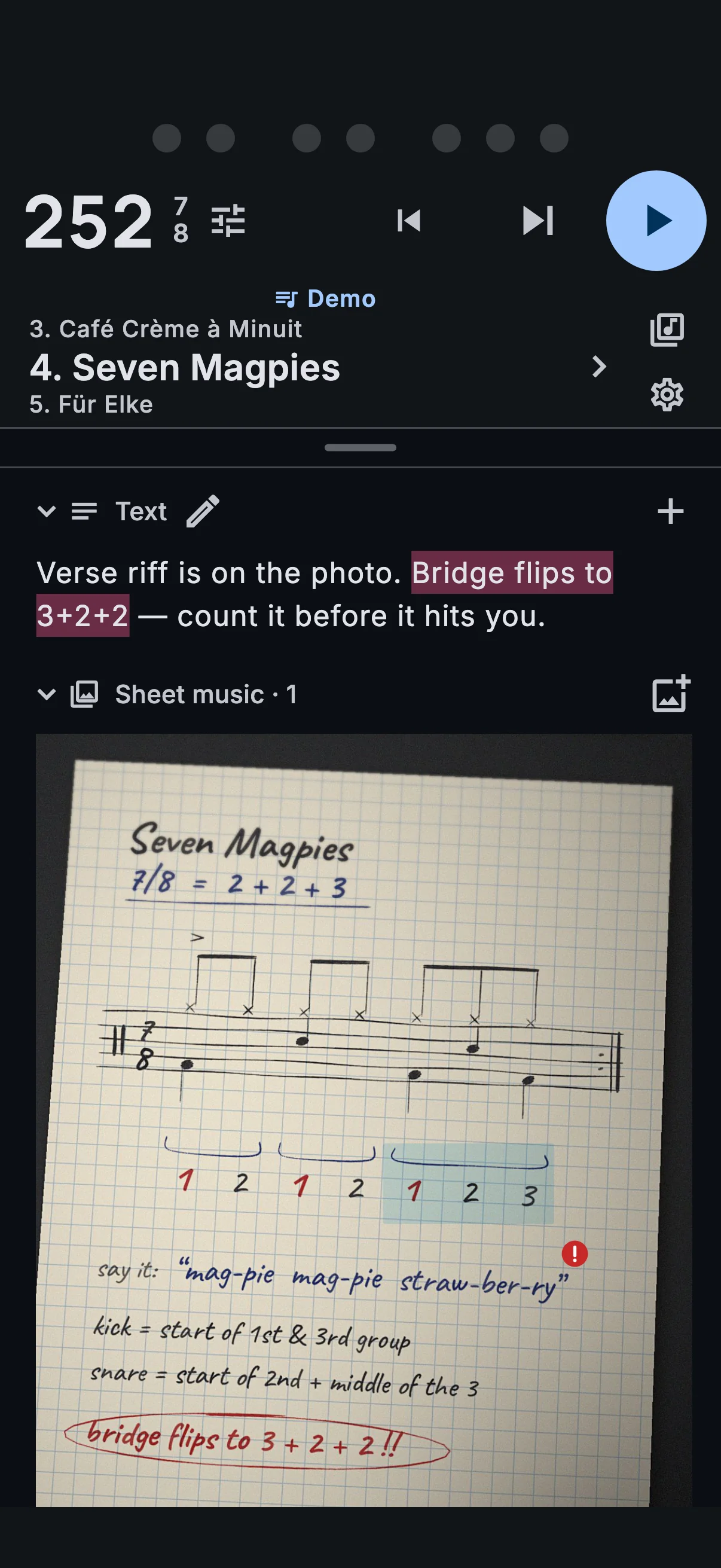
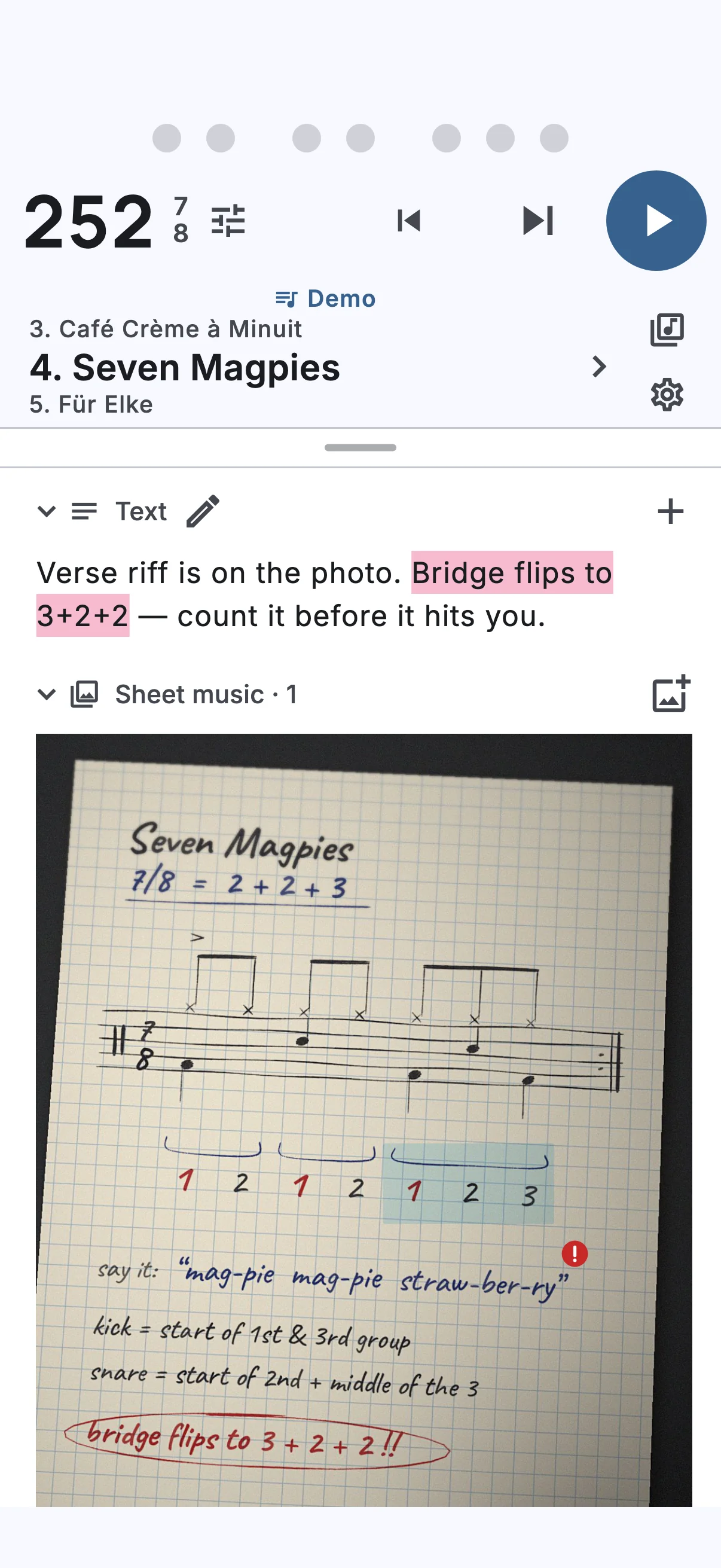
The current song, its tempo, the next song and your notes are always in view. Nothing extra competes for your attention on stage.
 Primissimo
Your setlists, every song's notes and a rock-solid click — in one place, in the rehearsal room and on stage.
Free · No ads · No account · iPhone, iPad, Mac and Android
The current song, its tempo, the next song and your notes are always in view. Nothing extra competes for your attention on stage.
Get tempos by listening, bring setlists over from Tempo, spreadsheets or ChordPro, and keep everything in Markdown files that belong to you.
Time is kept by an audio engine that works directly with the audio output, bypassing the user interface — so a busy device can't nudge a beat.
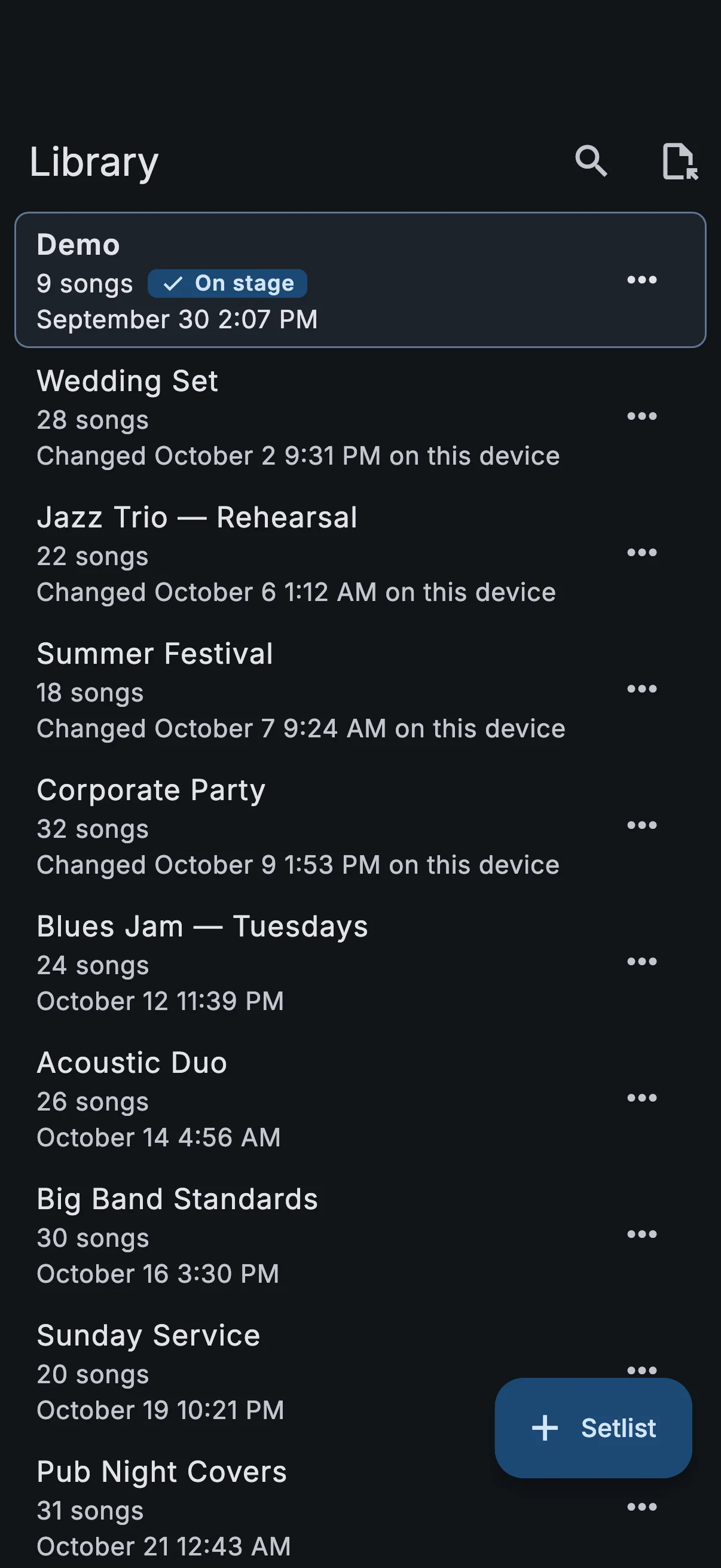
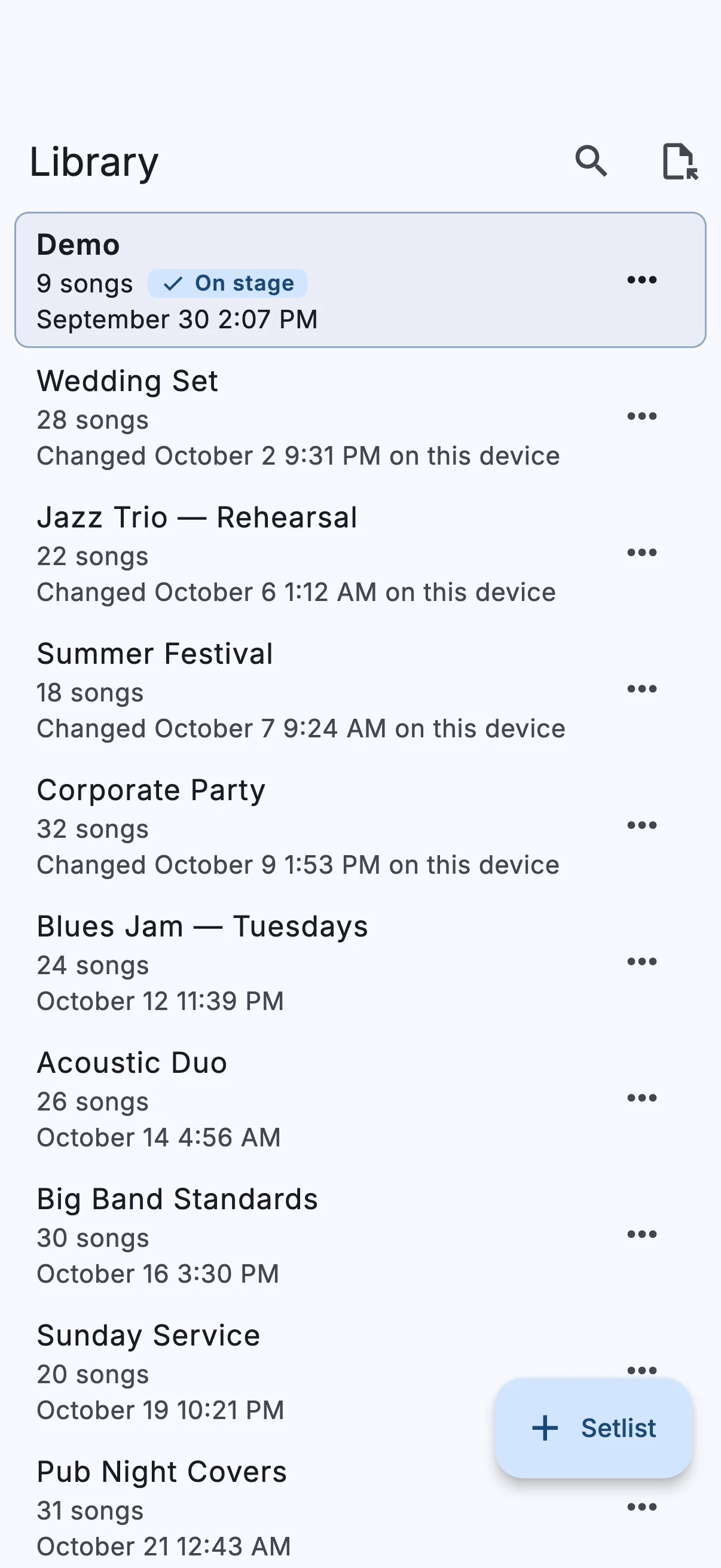
As many setlists as you need — one for every band and every gig. Find a song by title, drag songs into order, and switch songs without stopping the click: the new song starts on beat one. Tempo and time signature are changed on a separate edit screen, so the main screen stays clean.
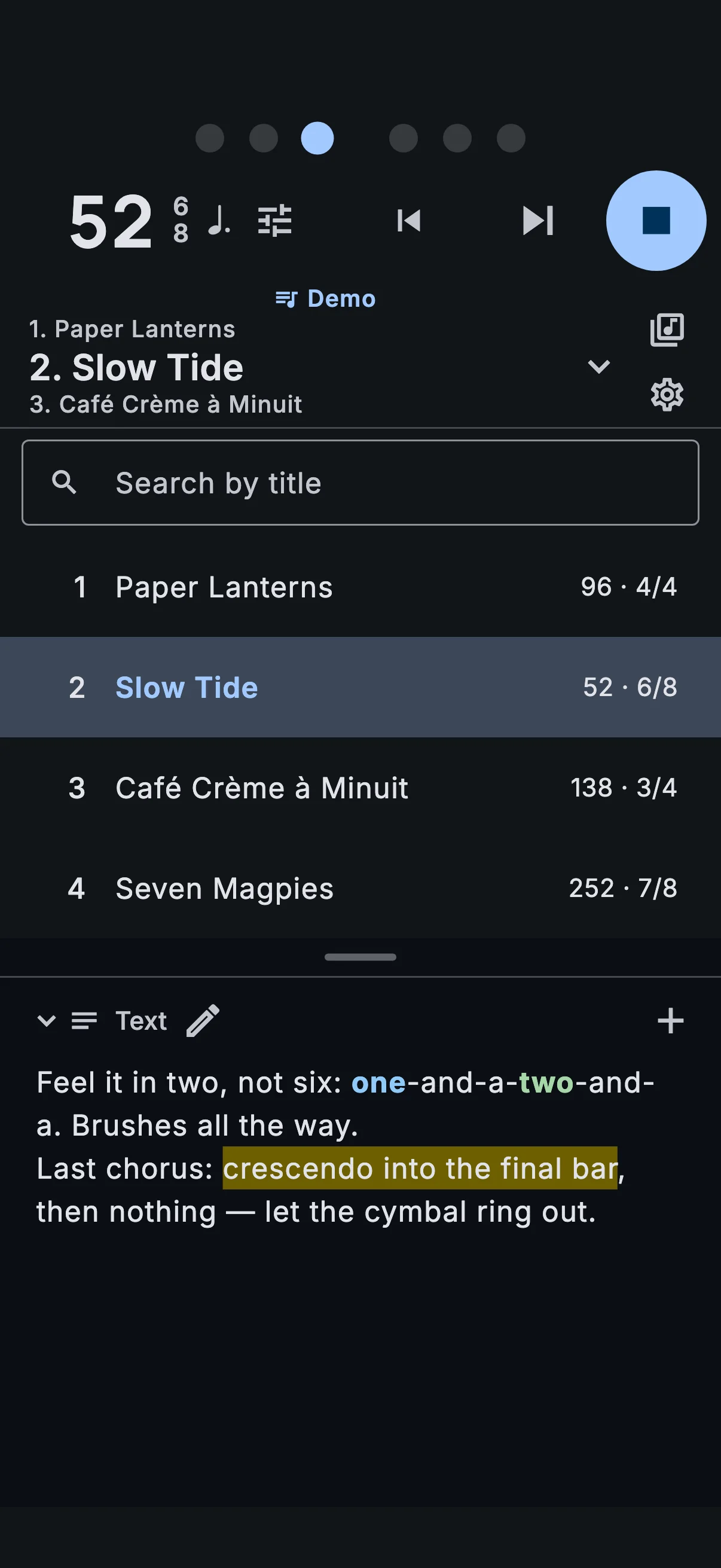
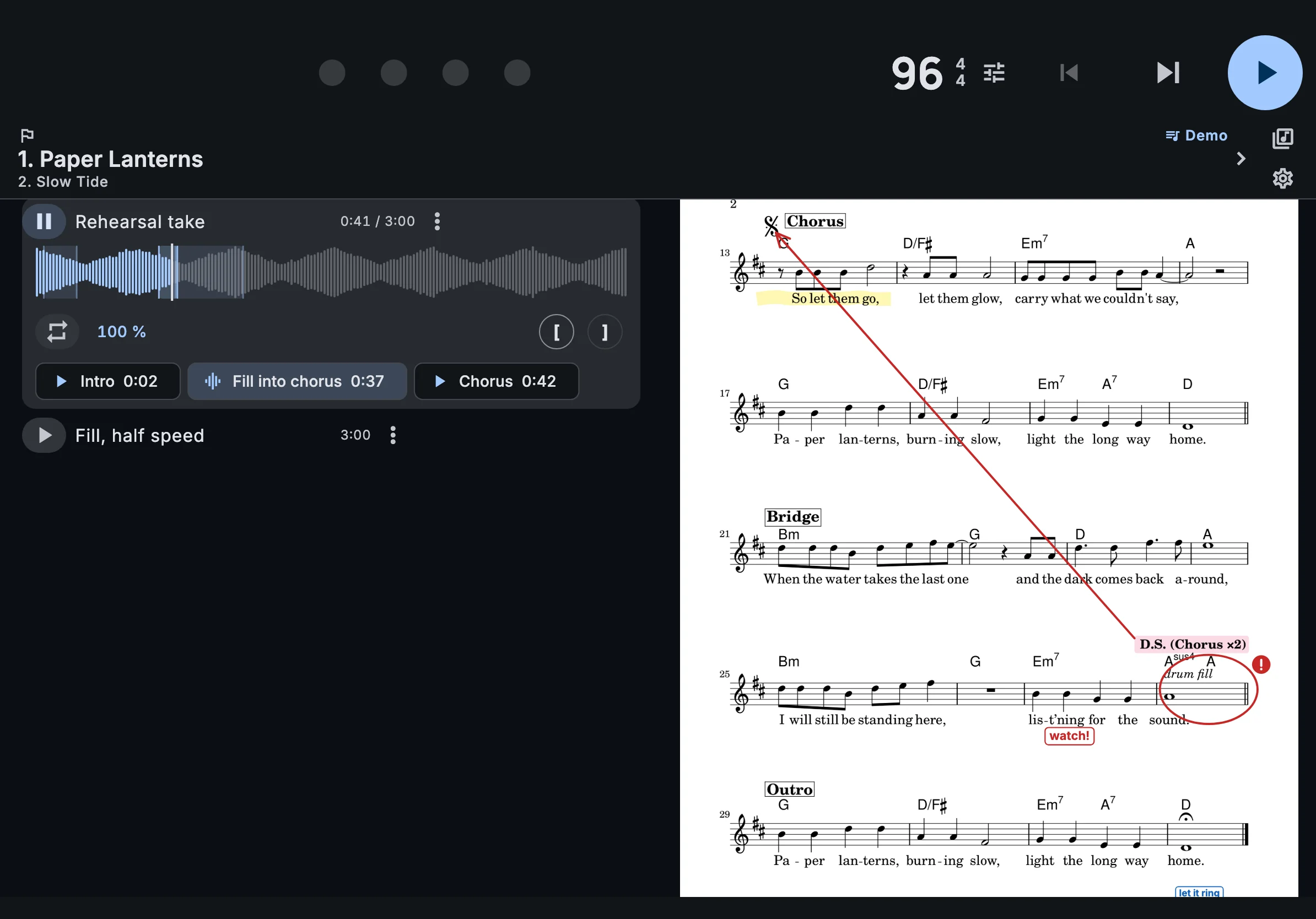
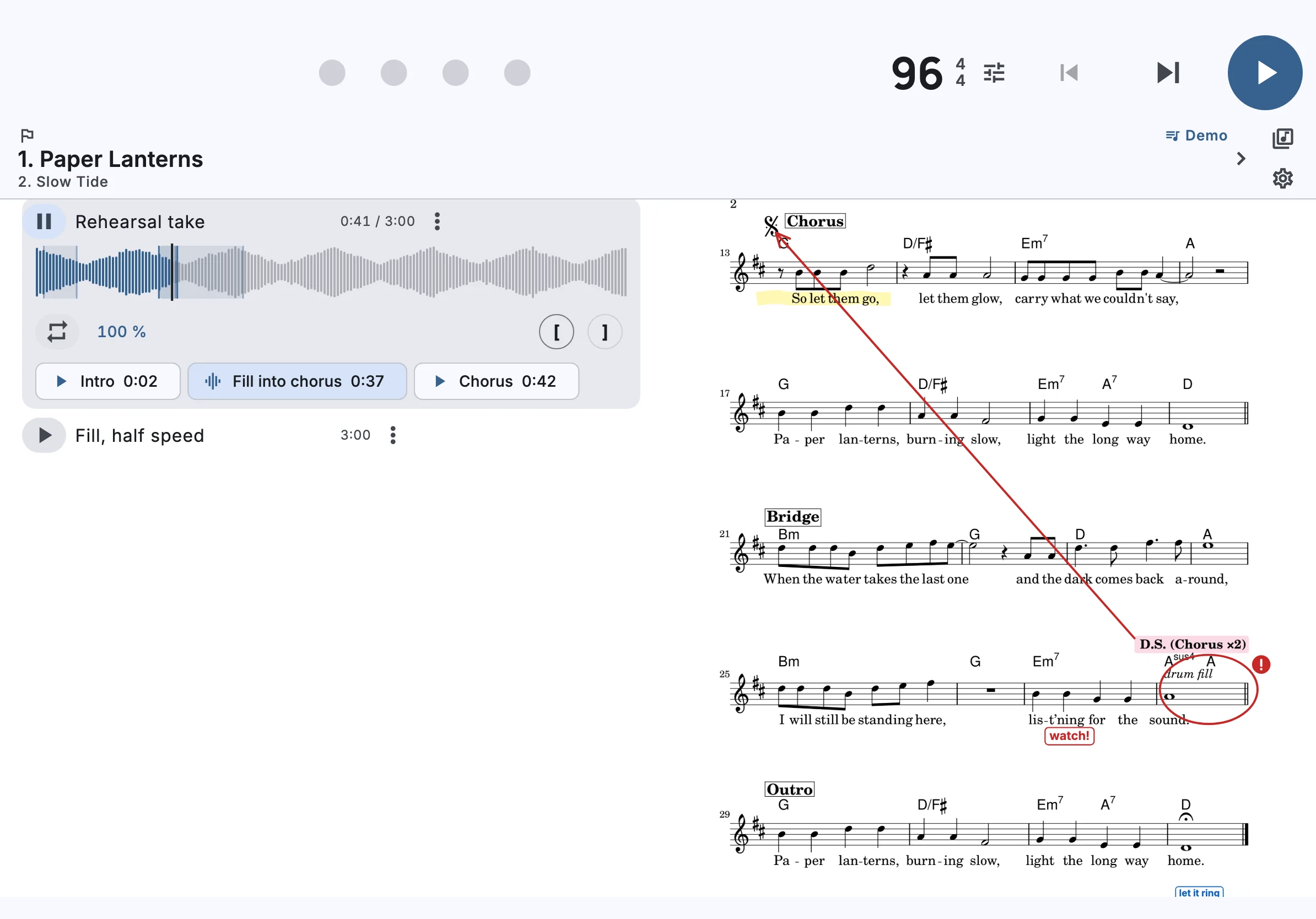
Keep the form, the cues and the tricky spots next to the click: formatted text, PDF charts, photos of sheet music and audio with named markers. Loop a passage or slow it down to practice it. Record an idea with the microphone. Mark up any PDF or photo with a pen, a highlighter and musical stamps — the original file stays untouched, and you can export a marked-up copy as a PDF or PNG.
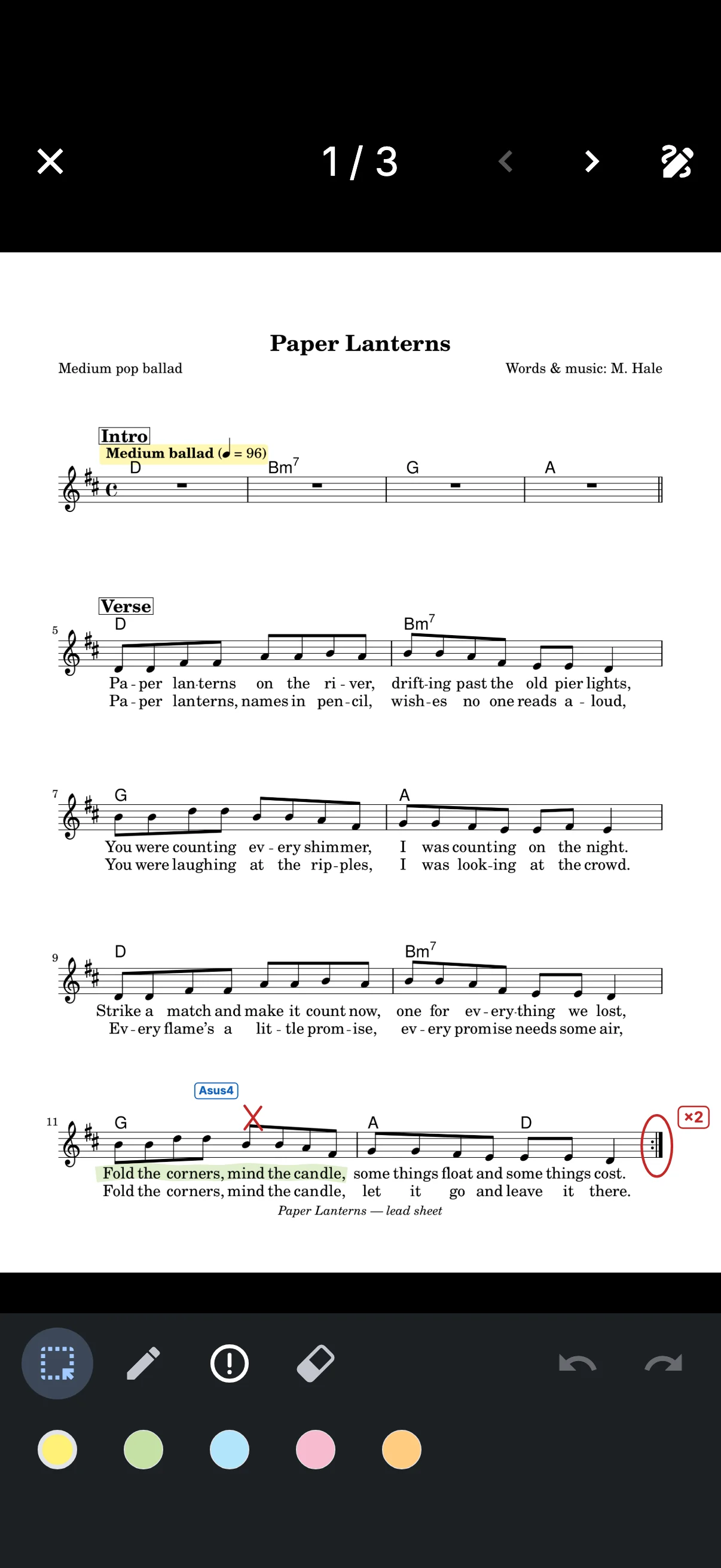
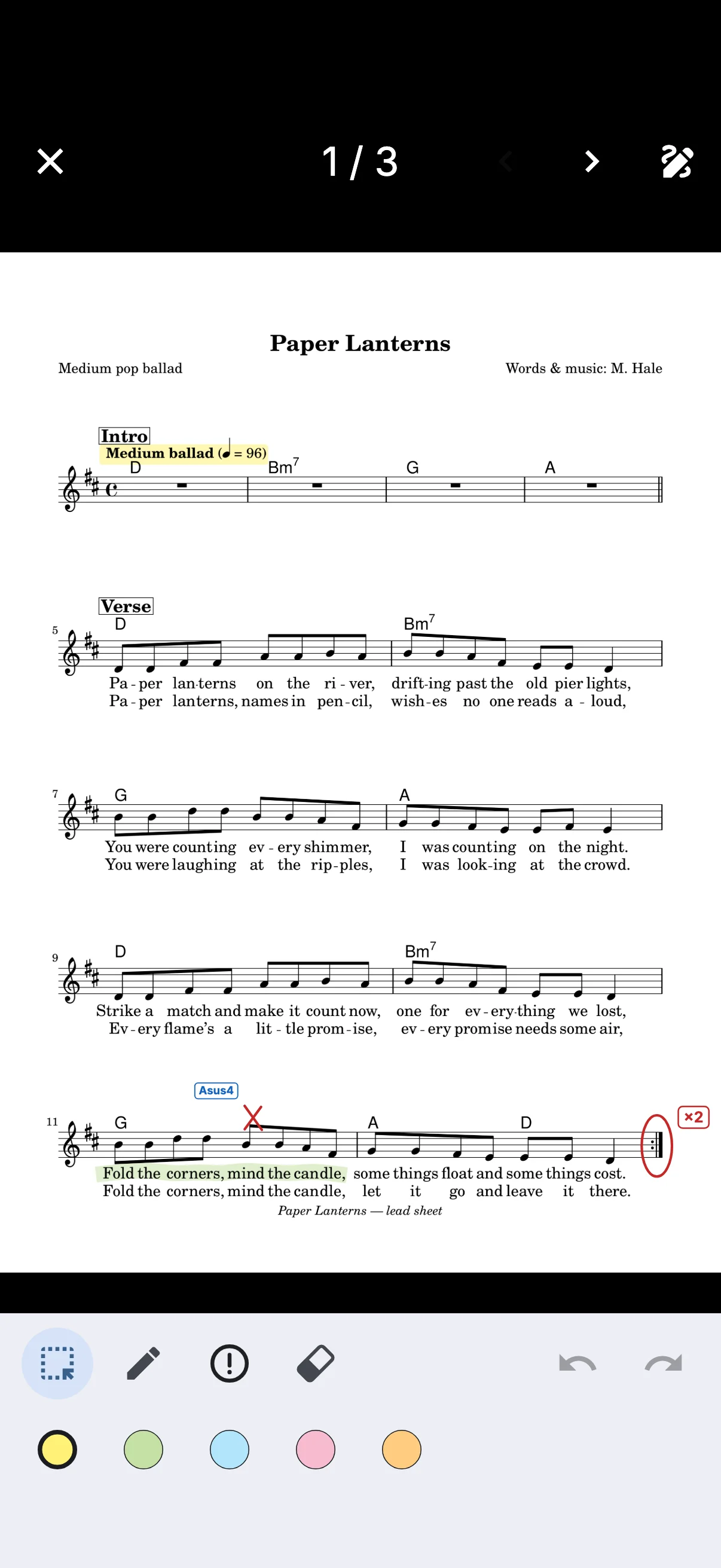
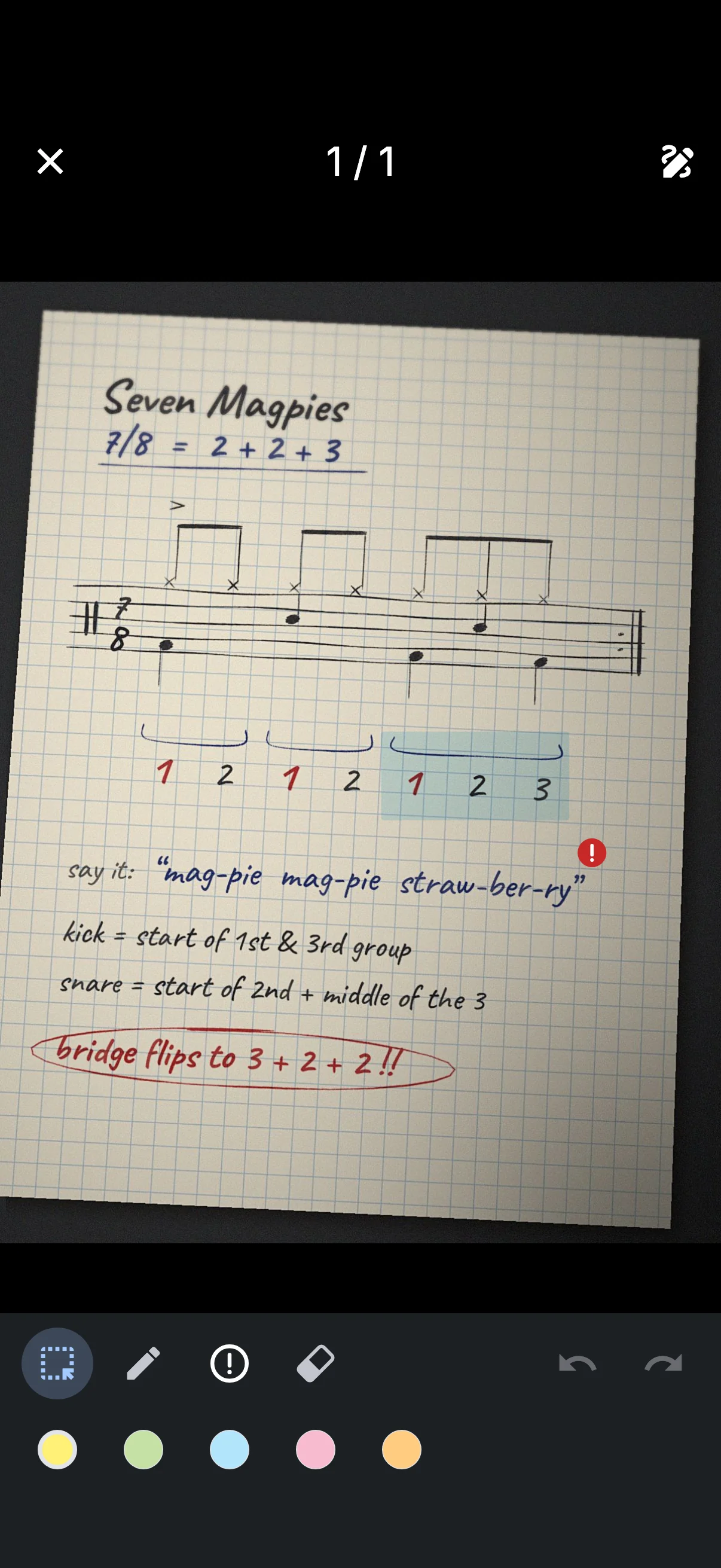
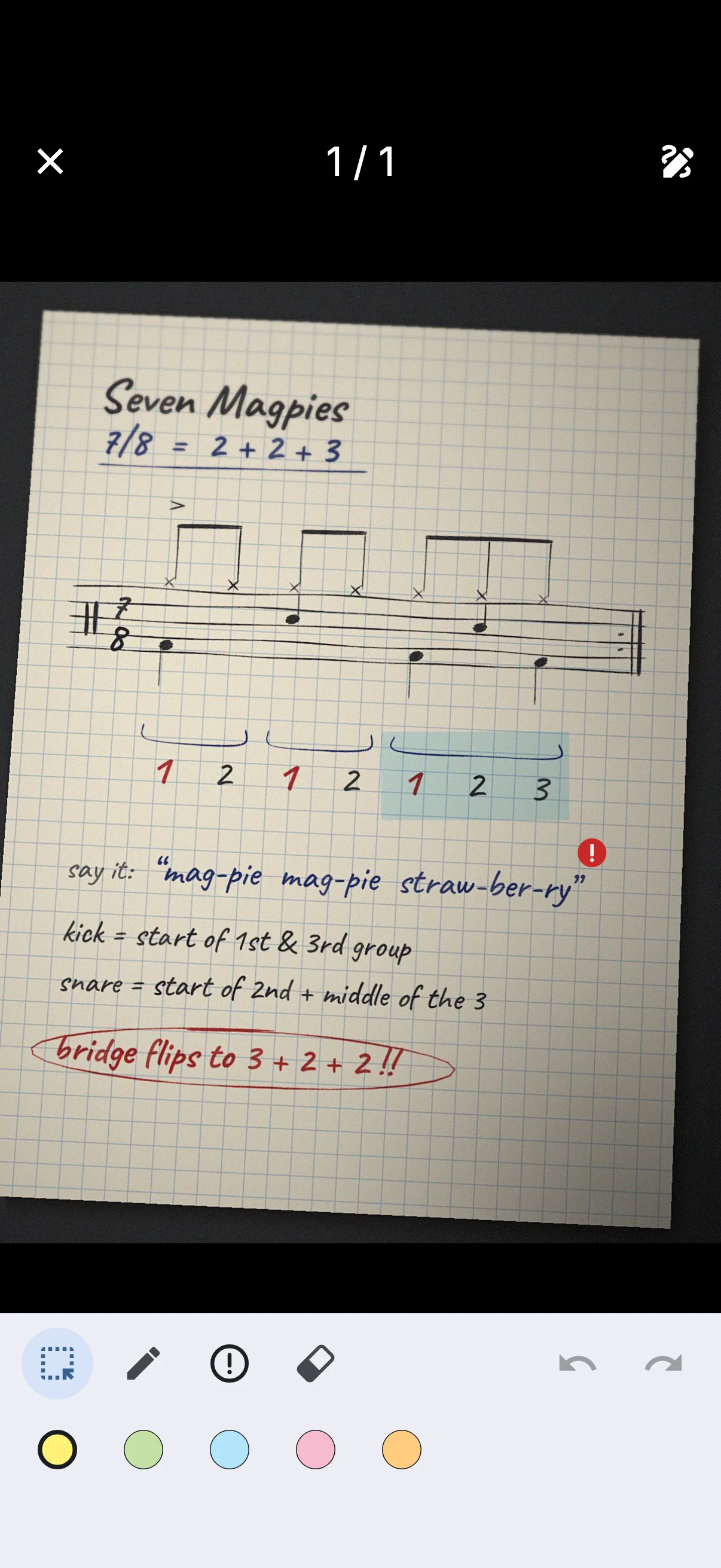
Build the set on a Mac, rehearse with an iPad on the music stand, and play the gig from the iPad when the stage has room for it — or from your iPhone when it doesn't. With the library in iCloud Drive, every Apple device opens the same files. On Android the setlists live on the device itself: move them across with a ZIP export — it takes the attachments and the markup along. Sync is the newest part of Primissimo — if something looks wrong, tell us via Send feedback in Settings.
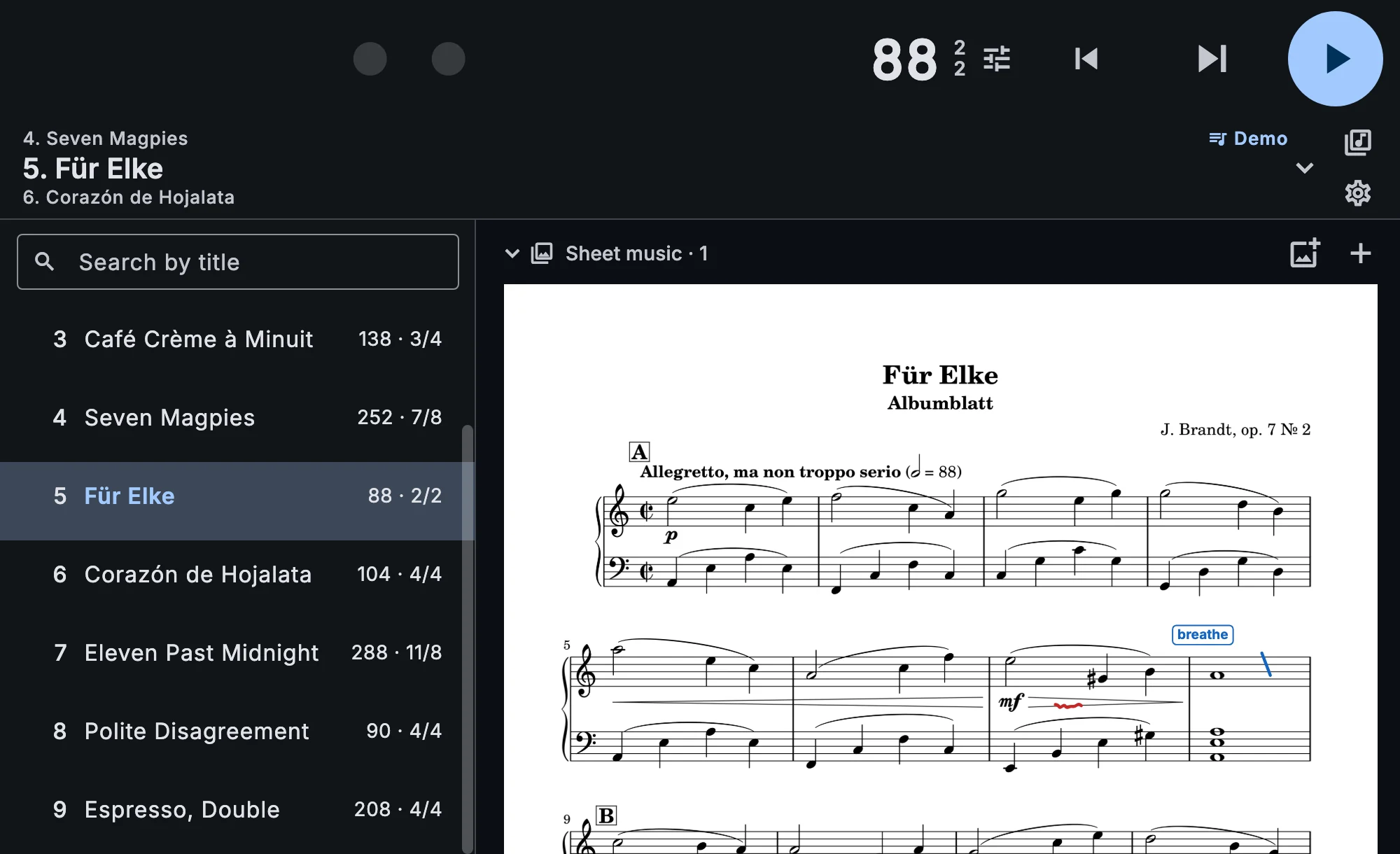
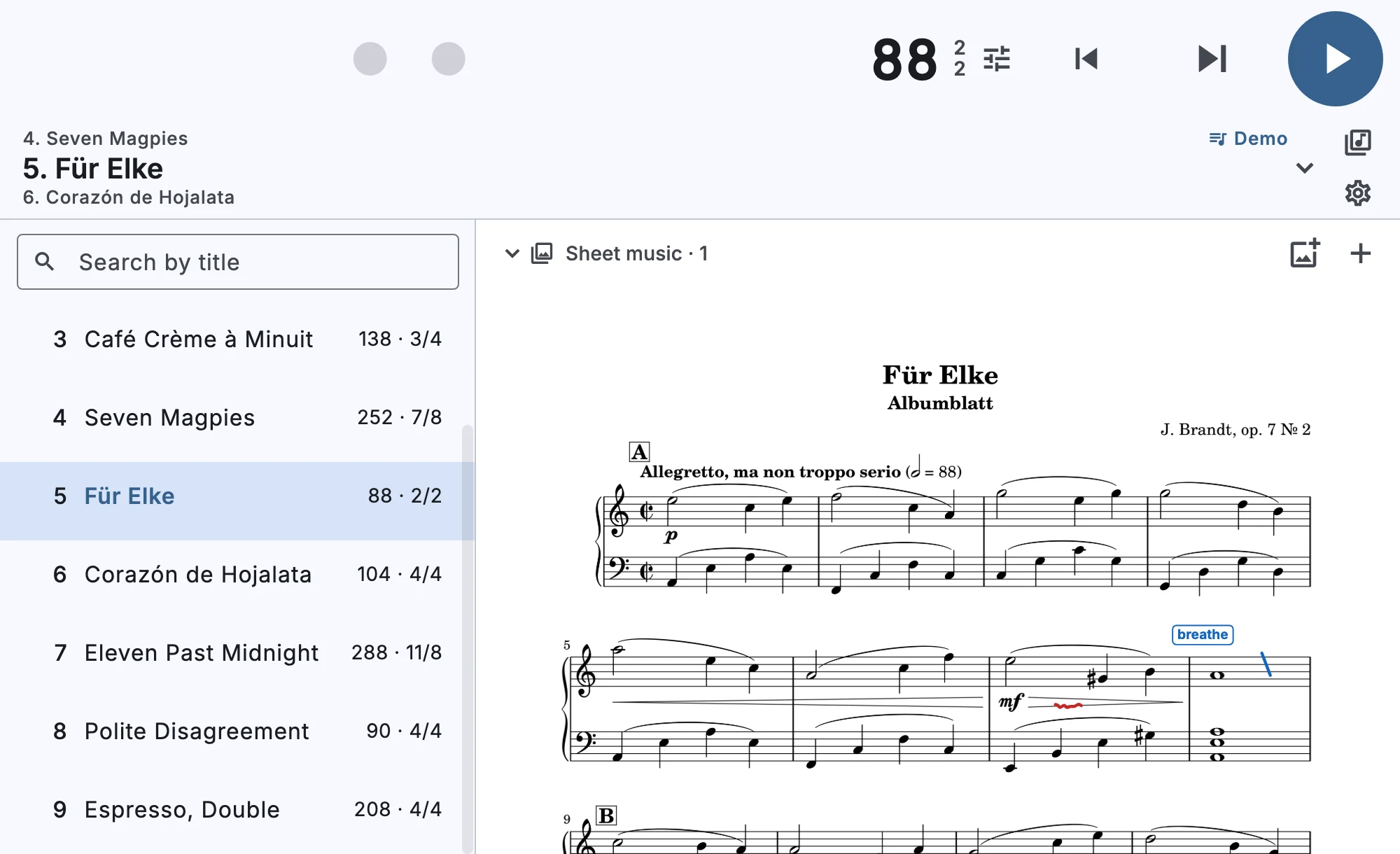
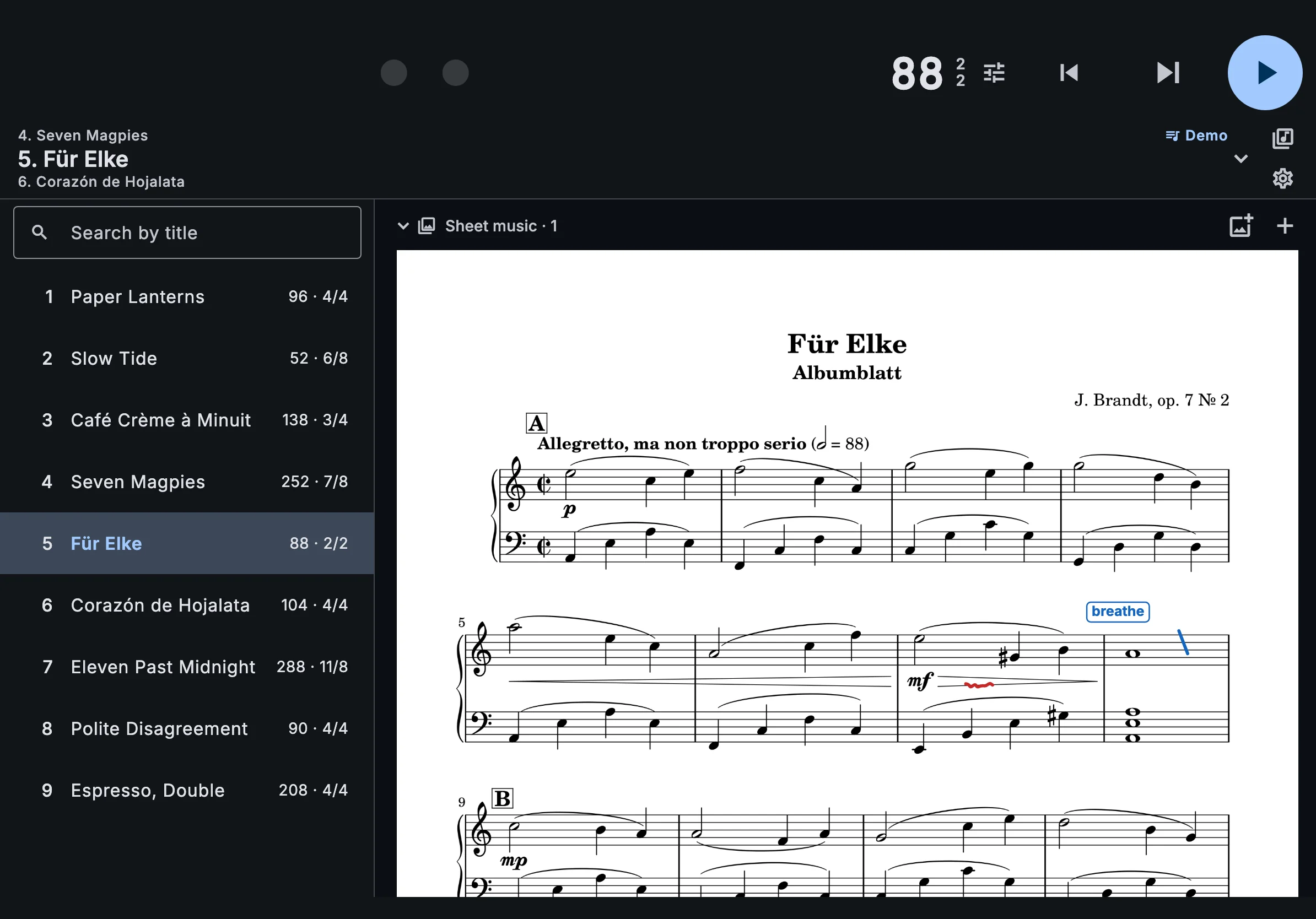
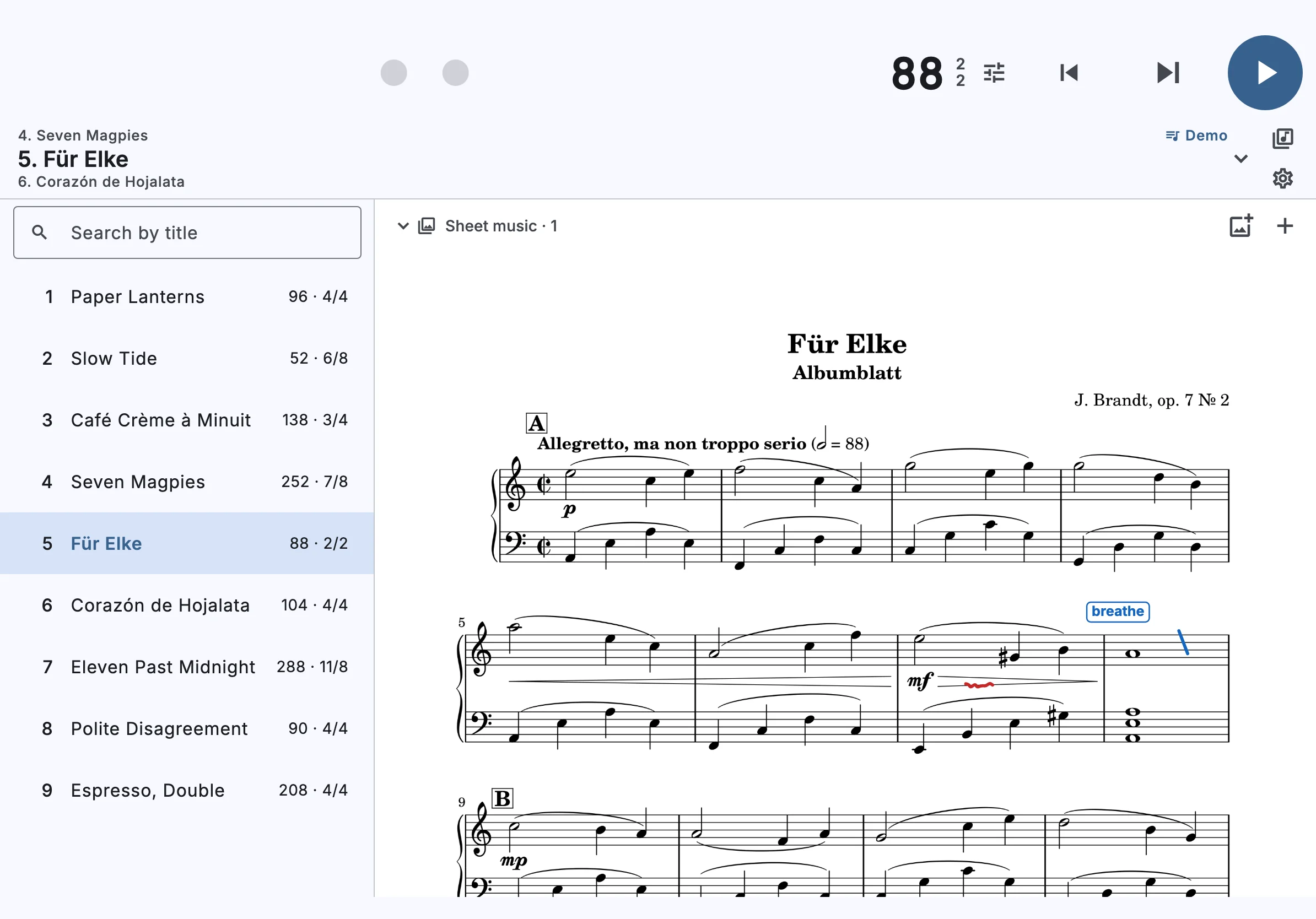
Setlists are Markdown files in the app's iCloud folder or any folder you choose, not records locked in a database. Open them in any text editor, but edit them in the app. The same setlists are on your iPhone, iPad and Mac. Edits from every device come together, even ones made offline; if two devices changed the same thing, both versions are kept and you choose. The open setlist never changes while you play: new changes wait for Apply.
---
schema: primissimo-setlist/2
title: Friday Night — Blue Room
---
# Friday Night — Blue Room
## Uneven Ground
- **bpm:** 132
- **meter:** 7/8
- **grouping:** 3+2+2
- **accents:** `>..>.>.`
Count it **3+2+2**. Ride on the groups.

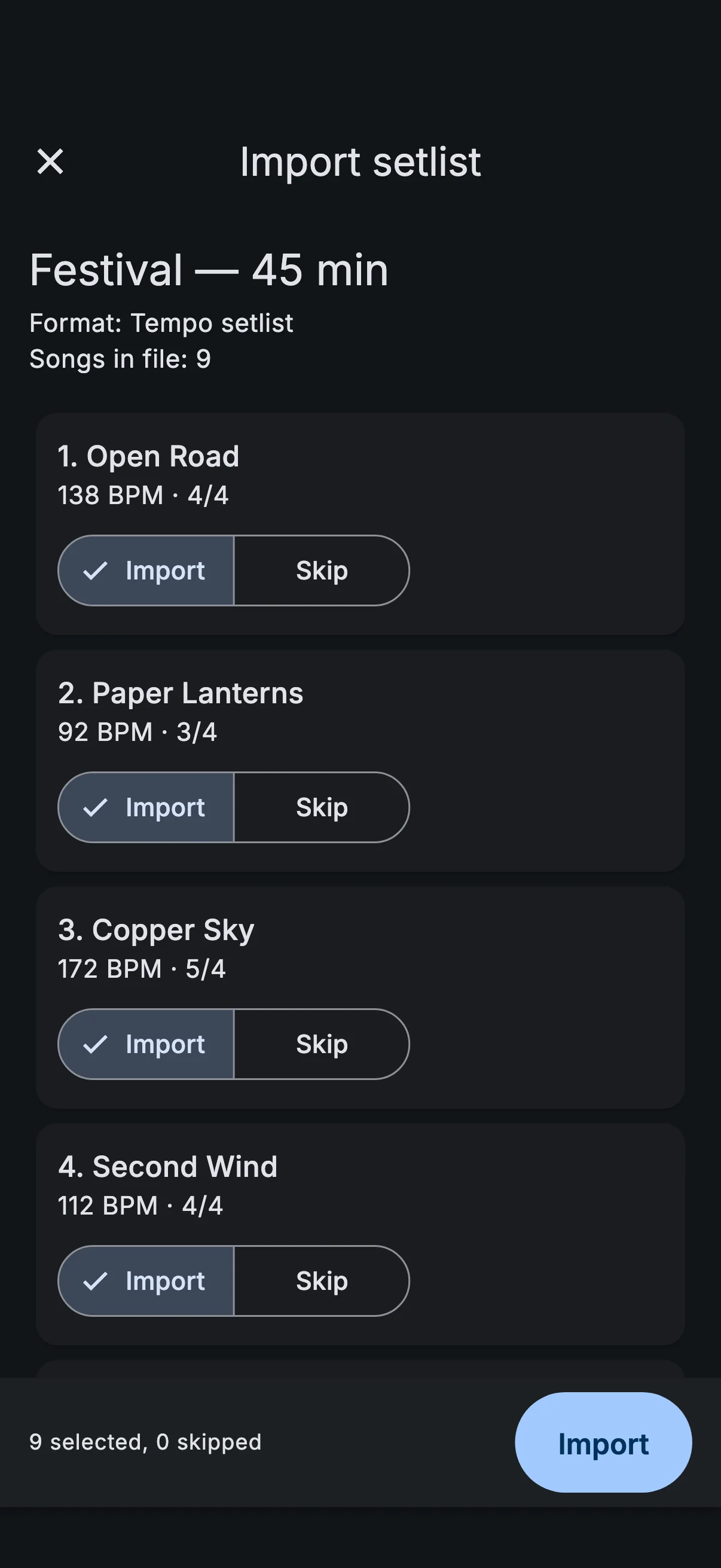
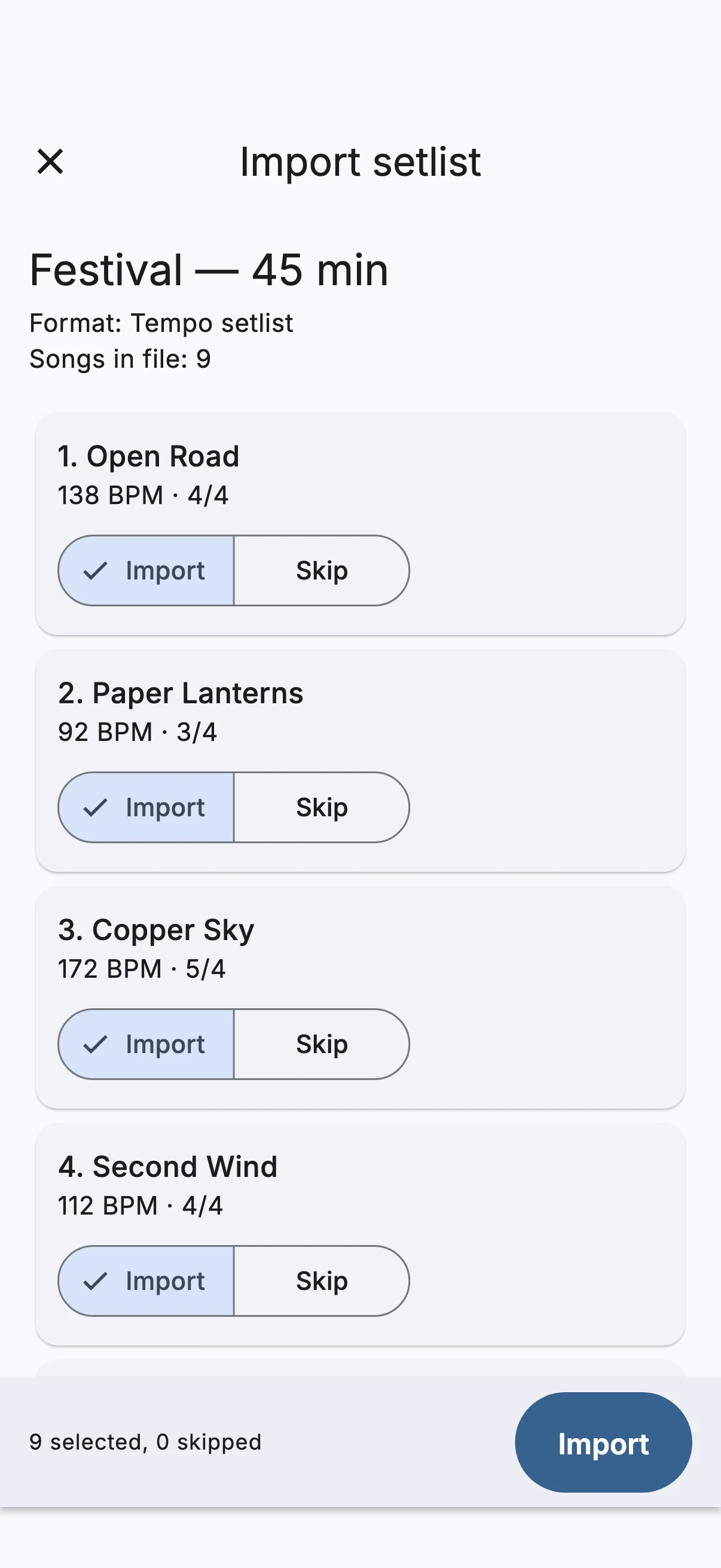
Open a Tempo setlist (.slist), a spreadsheet (.csv, .tsv), or ChordPro and OnSong song files (.cho, .chopro, .chordpro, .crd, .pro, .onsong), and review every song before importing. From Tempo, BPM, time signature, accents, rhythm patterns and muted beats come across; from songbooks, the lyrics and chords go into the song's notes. Anything that can't be carried over is listed before you import, not discovered on stage.
The click comes from a dedicated audio engine that works directly with the device's audio output, bypassing the app's interface. It puts every beat at its exact place in the audio stream, so opening a note, scrolling the set or switching songs never nudges a beat.
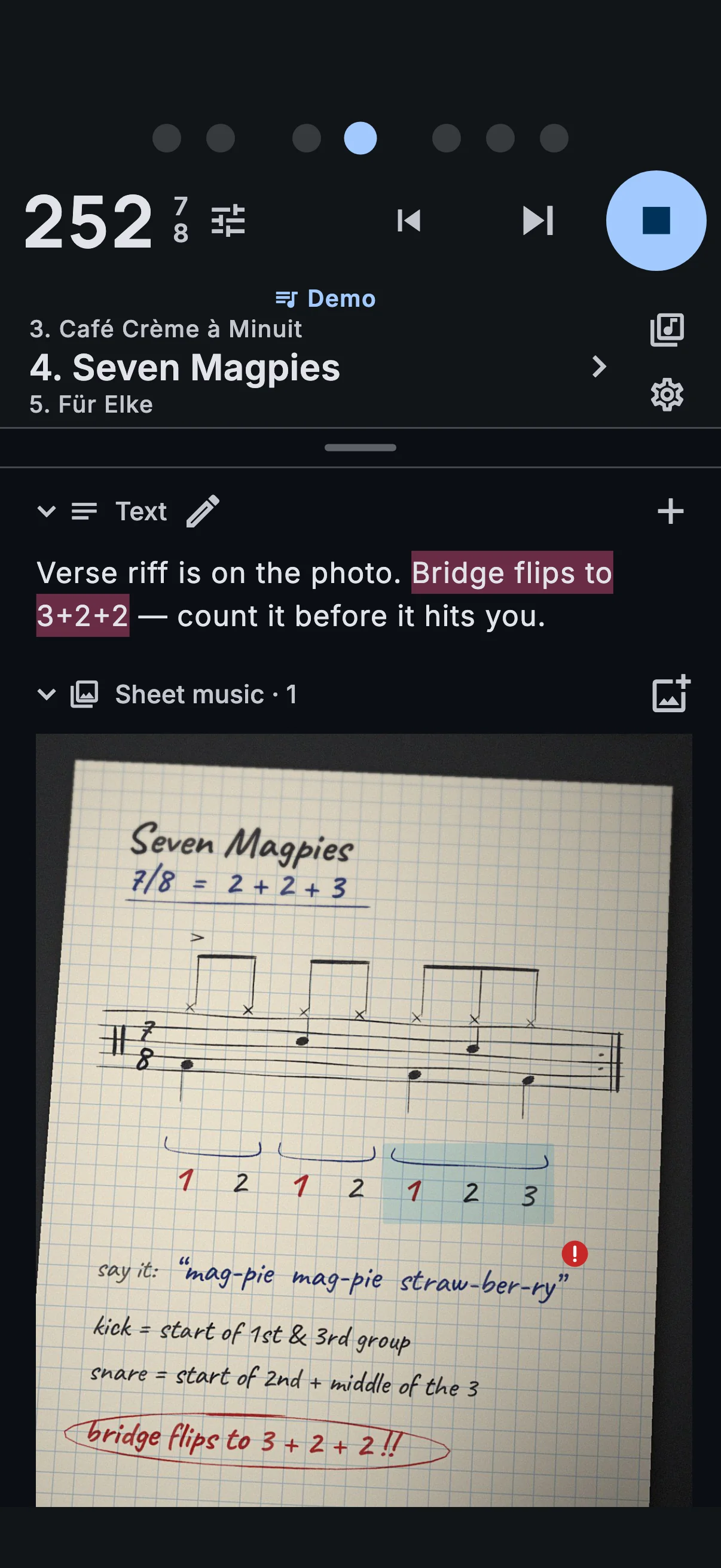
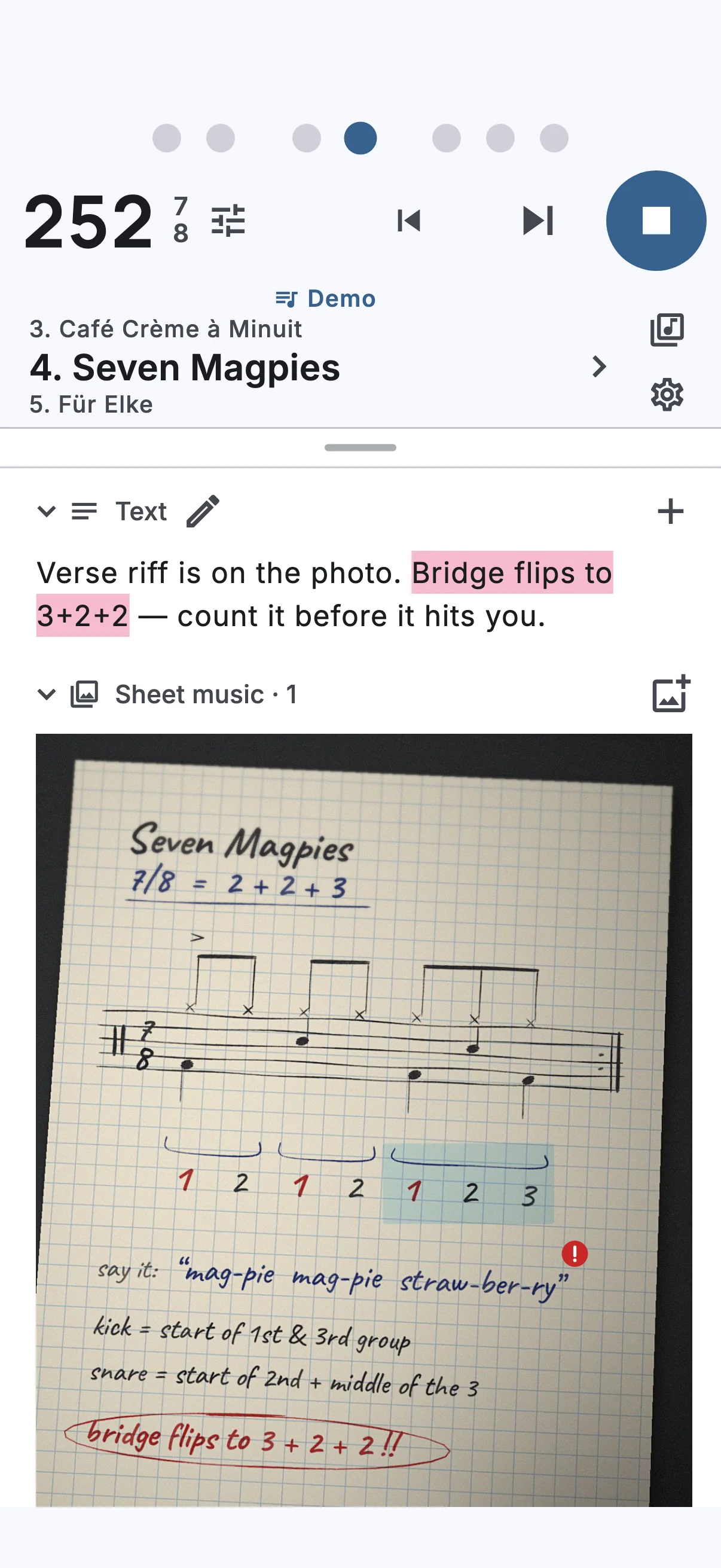
10 to 400 BPM. From 1 to 16 beats per bar over 2, 4, 8 or 16, with the tempo counted in half notes, quarters, eighths or dotted quarters. Split and join beat groups — 3+2+2, 2+2+3 or any other — and the indicator follows them. Give each beat one of five levels, from strong to muted. Subdivisions up to sixteenths and sextuplets, shuffle included, six click sounds, and tap tempo with a graph of your taps.
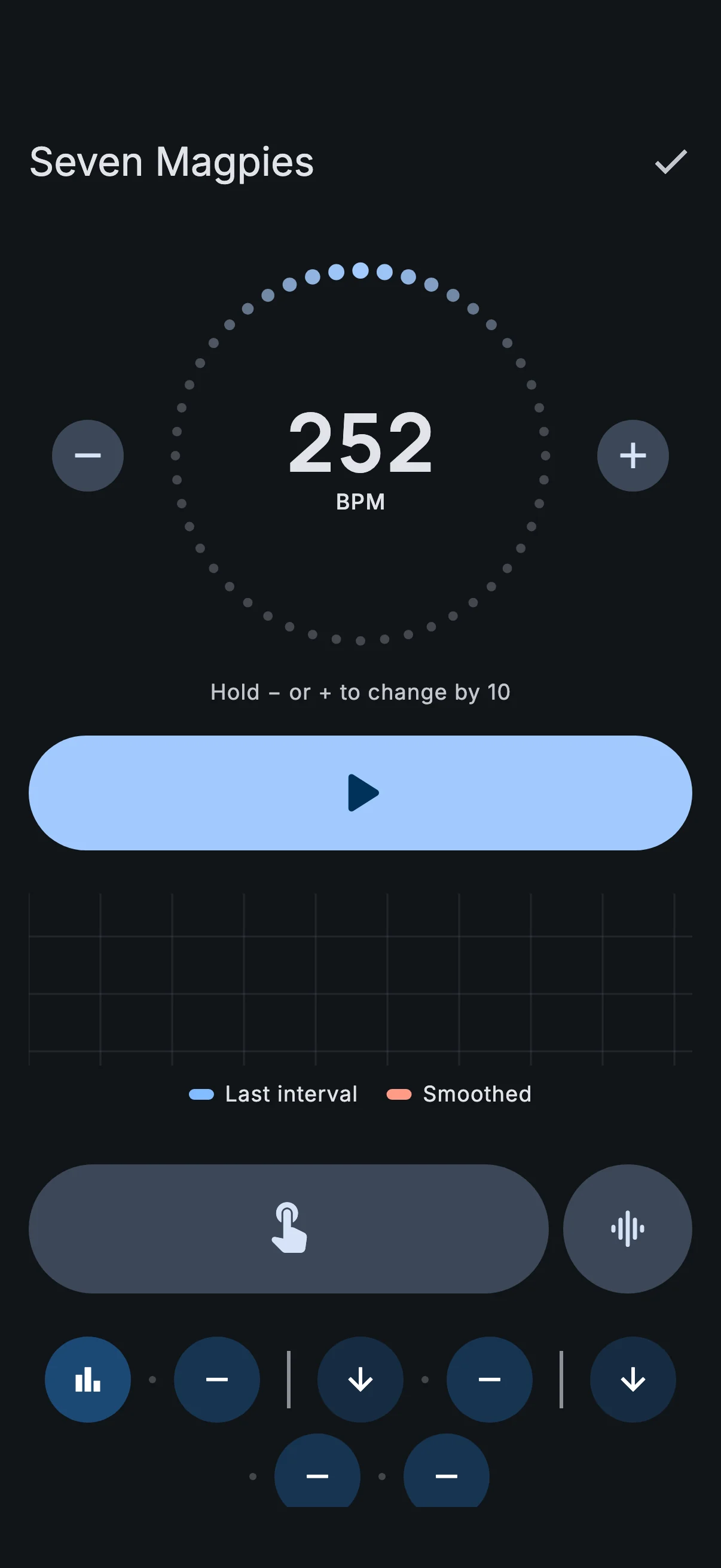
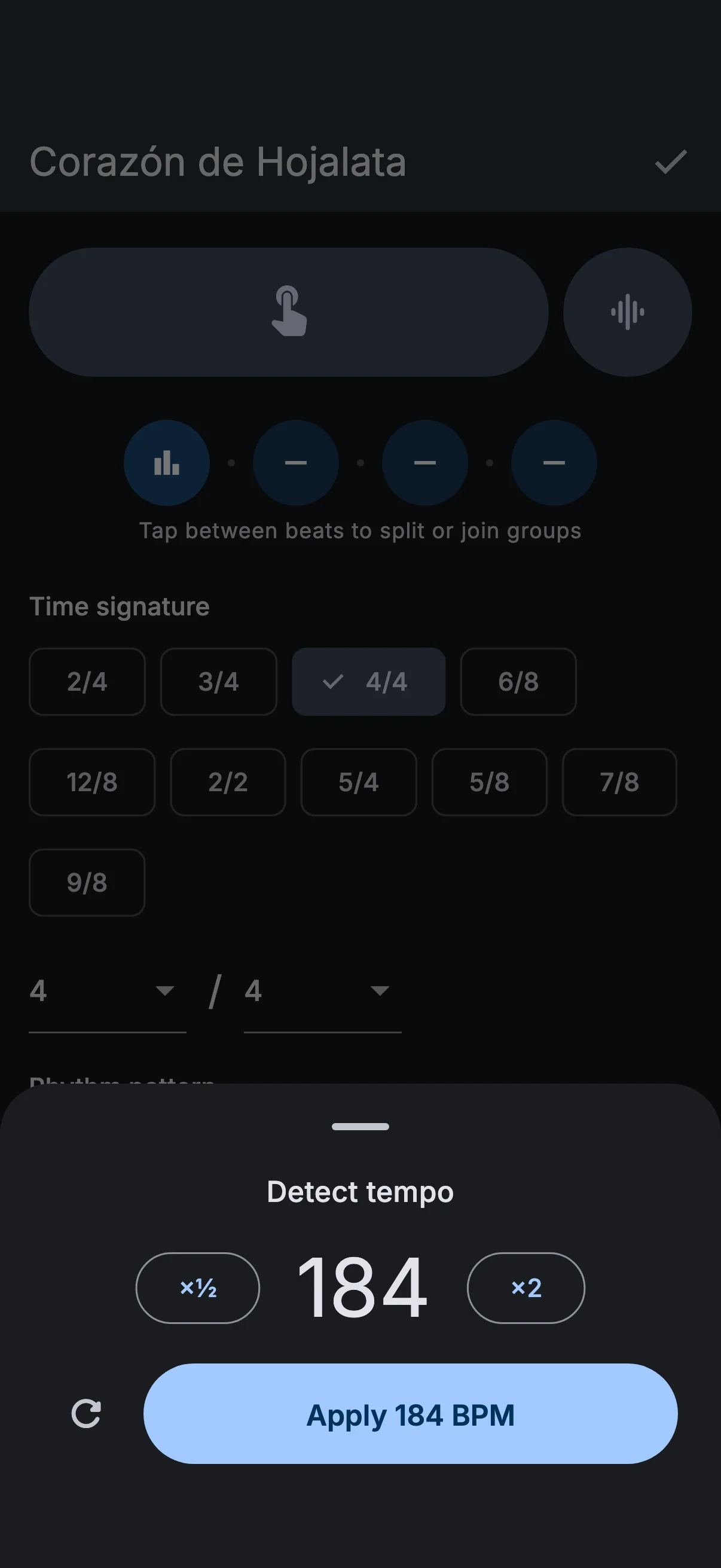
Don't know the BPM? Pick an audio file or let Primissimo listen through the microphone — to a recording or to the band in the room. A beat-tracking neural network finds the tempo right on your device, and the audio never leaves it. Halve or double the result with one tap. If the music has no steady pulse, the app says the value is approximate.
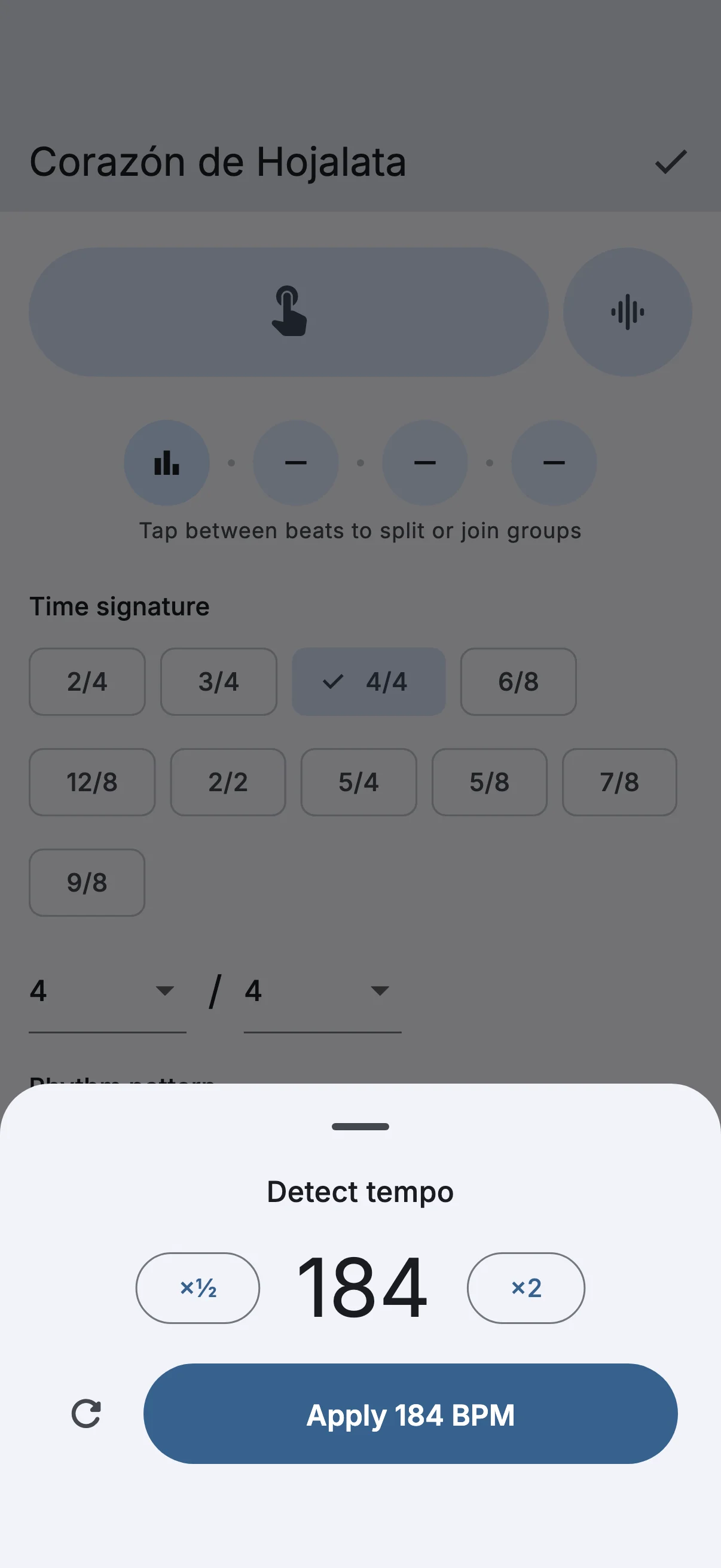
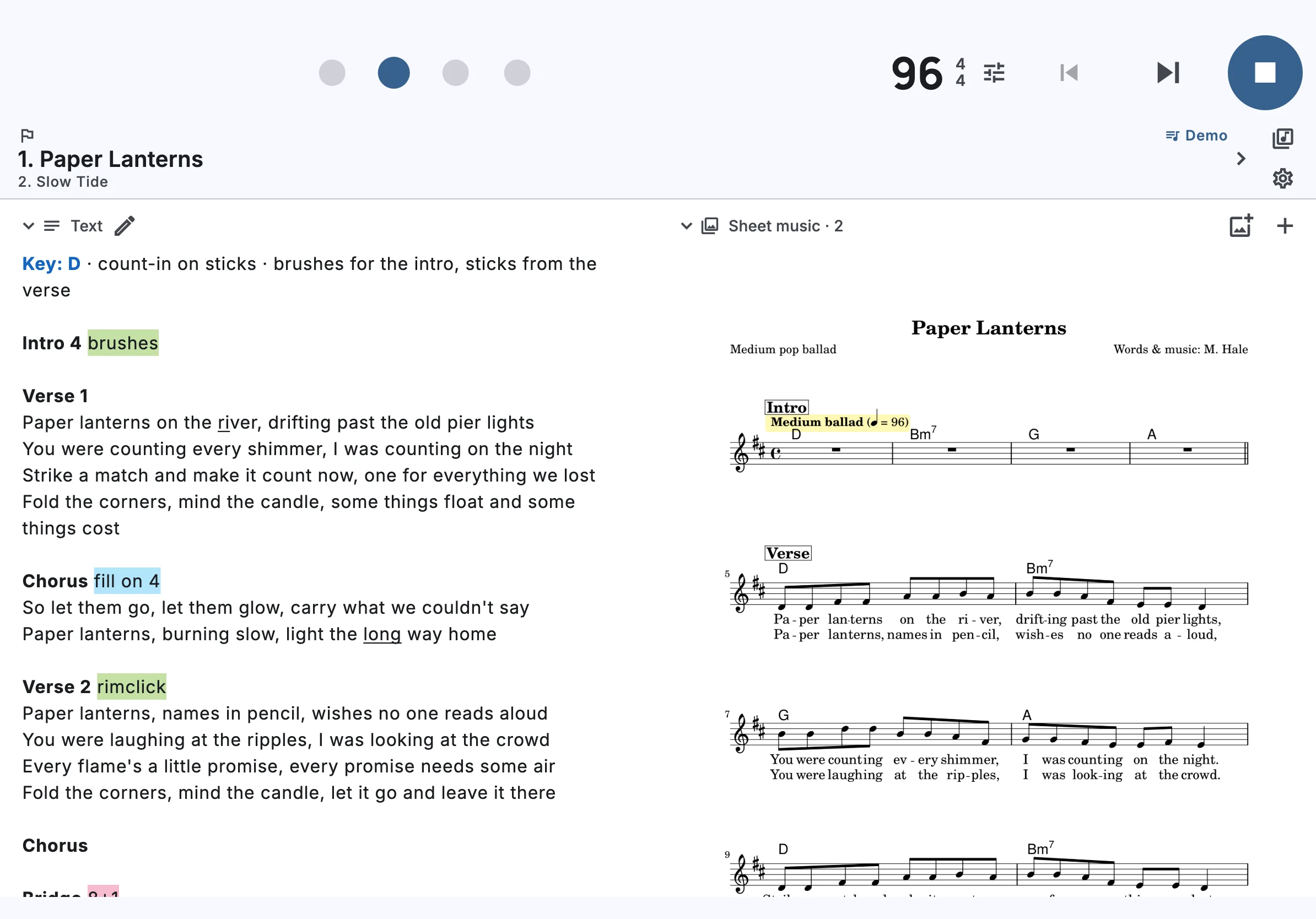
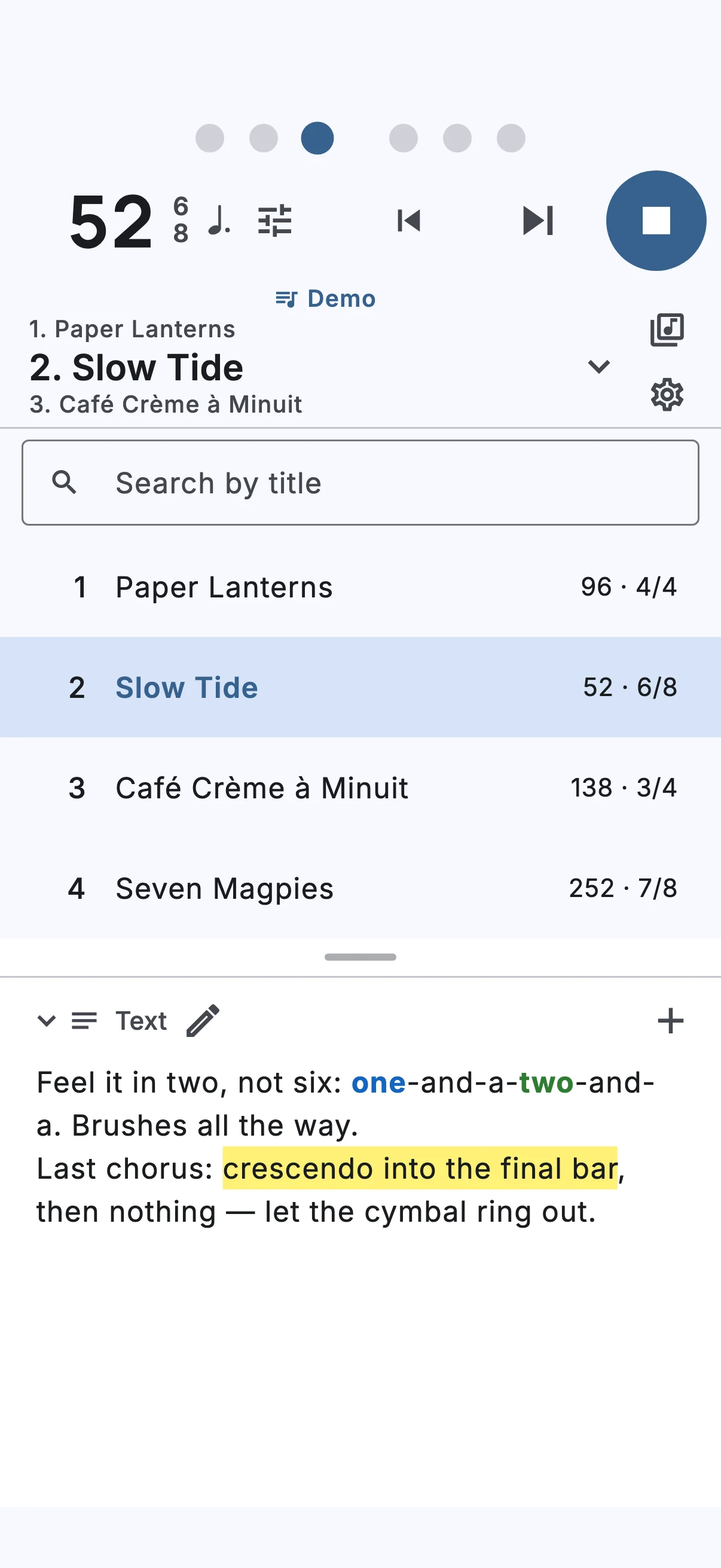
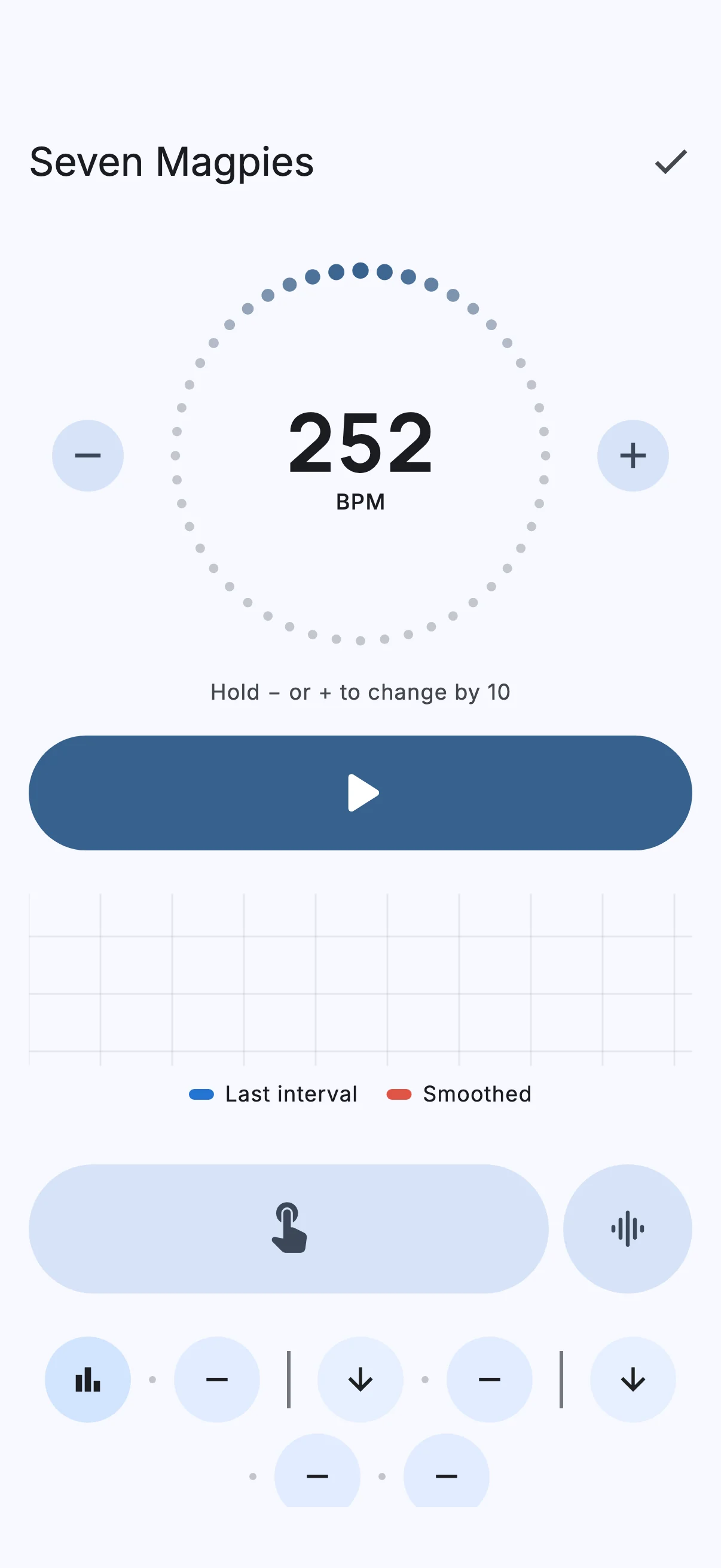
Each theme is designed on its own, not simply inverted. Try the switch in the corner of this page — the screens change with it.
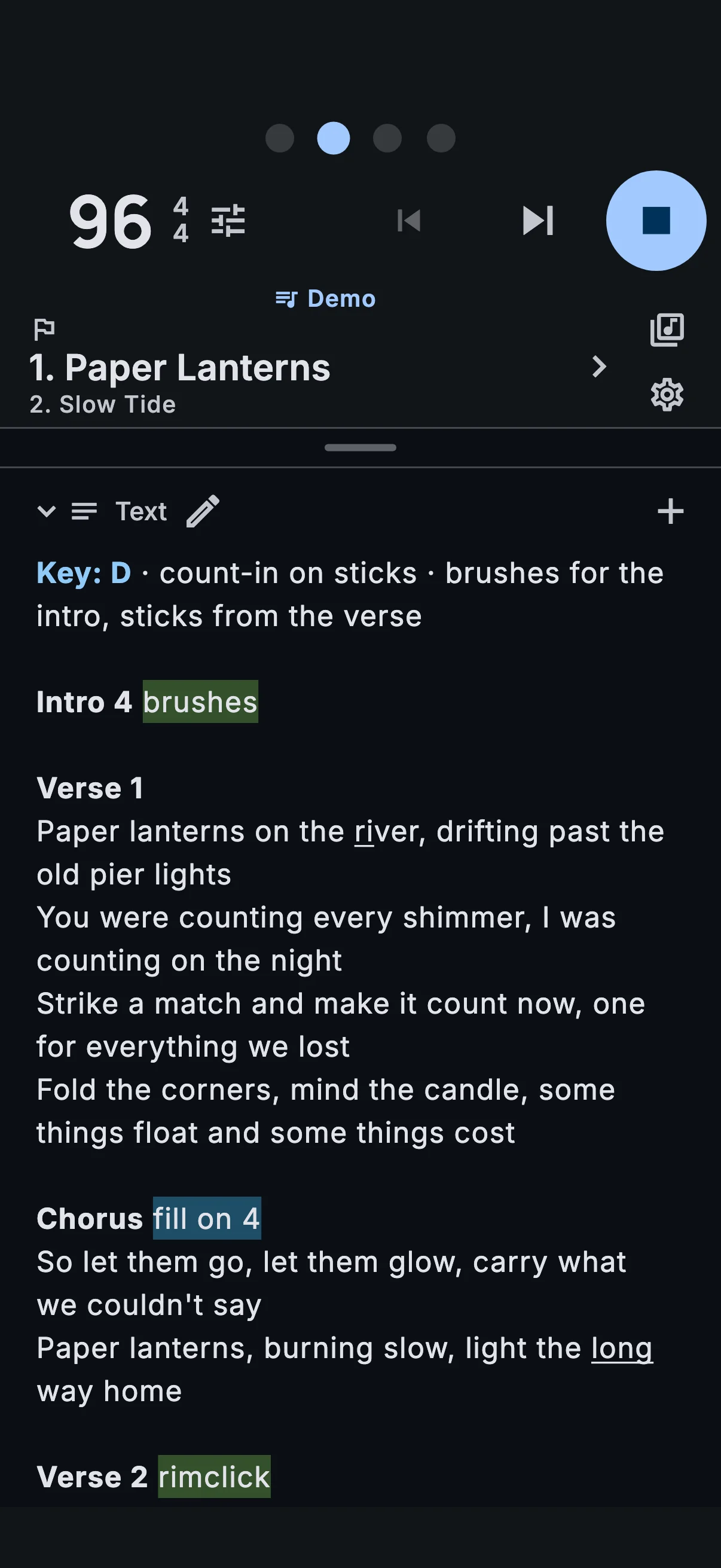
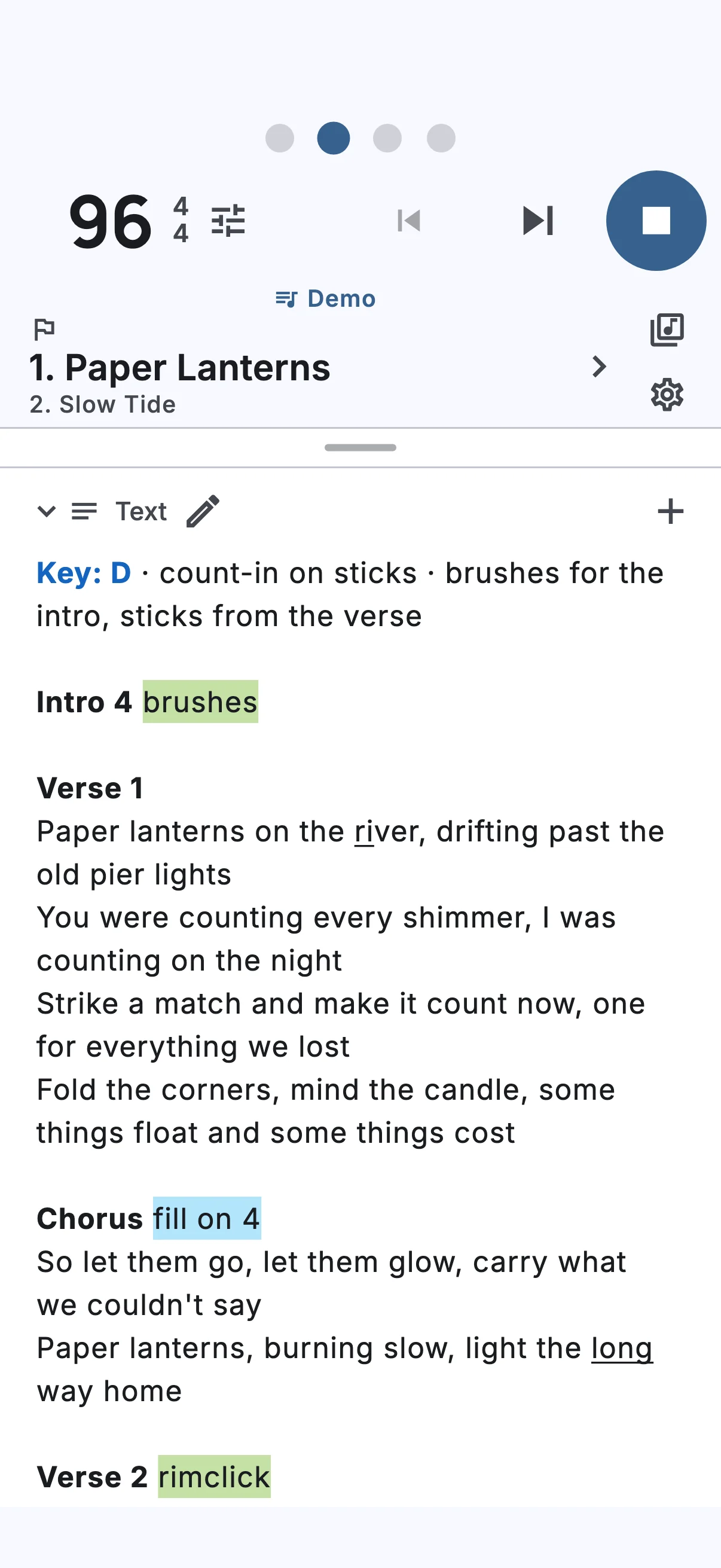
40 interface languages, including right-to-left scripts.
No ads, no account, no subscription, no trial period — everything described here works without paying. Anonymous usage statistics carry no identifier and can be switched off in Settings.
A short walkthrough of the setlist, the notes and the click.
Yes. There are no ads, no account, no subscription and no time limit, and nothing is sold inside the app. Paid extras with new capabilities may appear later. We don't plan to take away anything that is free today.
A metronome app can time its beats with the same timer that drives the screen. When the device is busy with other apps, that timer can run late and the click stumbles. In Primissimo, every click is placed in the audio stream by an engine that works directly with the audio output, bypassing the user interface, so a busy device doesn't push a beat off time.
Yes. Your setlists with their notes, the metronome and tempo detection all work offline with everything that is already on the device. Tempo is detected on the device itself, and the sound is never sent to the developer. A connection is needed to sync through iCloud and download files that are not on this device yet, to send feedback, for the optional usage statistics and to check for new versions.
In Markdown files in the app's own folder in iCloud Drive — it shows up as “Primissimo” in Files and in Finder. So the setlists sync between your devices and stay put if you delete the app. Without iCloud they are kept on the device, and Primissimo offers to move them to iCloud once it is turned on. You can move the library to another folder in Settings → Library folder → Change. You can open, send or convert these files at any time. Edit setlists in the app: changing the files in a text editor is not a supported way to work, and such changes may be overwritten by sync.
Yes. Sign in with the same Apple ID and keep iCloud Drive on: each device opens the same library in the app's iCloud folder by itself, with no questions on first launch, and shows the setlist you had on stage last. If you moved the library to another folder, choose that folder on each device in Settings → Library folder → Change. Primissimo brings together the edits from all your devices, even ones made without an internet connection, and never drops one silently: if the same thing was changed on two devices, both versions are kept, the song is marked ⇄ and you choose which one stays. Notes edited on two devices are merged line by line. The setlist you are playing does not change under you: changes from other devices wait until you tap Apply. Primissimo asks which library it is only when a folder holds edits this device already knows from another library. Working on one library together with other people is not supported yet. Primissimo is new, and sync is its youngest part: some things may not work as intended yet. Your setlists stay ordinary files in iCloud Drive. Please bear with us and tell us about anything odd — via Send feedback in the app's Settings or on the website.
Sync runs through iCloud Drive: Primissimo gets a file only once the system has downloaded it. Open the Files app and check whether other files in iCloud Drive download. If none do, the problem is with iCloud: check the internet connection and the free space on the device, restart it, or reset network settings (Settings → General → Transfer or Reset iPhone → Reset → Reset Network Settings; the same on iPad). Updating the system helps too: Apple fixes iCloud Drive in iOS and iPadOS updates. Don't turn iCloud Drive off in Settings to “restart” it: the device removes its copy of the files and has to download all of them again. Your edits are not lost: Primissimo keeps them and sends them once iCloud works again.
No. From the moment you open a setlist as the current one until you choose another, Primissimo keeps it on screen exactly as it was, even if it is changed on another device and even after the app or the device restarts. Your own changes — tempo, song order — apply at once. Changes from other devices are saved and marked with a small badge; they appear only when you tap Apply. The song you are playing never changes under your fingers, and you don't need airplane mode for this.
Duplicate in the setlist menu copies everything: songs with their notes, tempo, time signature, accents, subdivision and other settings, attachments and audio recordings. A single song can be copied into a setlist too: the Song from another setlist button lets you find it by title across all your setlists, and it comes with all of its notes and files. After copying, the original and the copy are independent: notes, tempo, subdivision and everything else are changed separately in each.
In the library, open the setlist's menu and choose “Export .zip (with attachments)”. The archive holds the setlist and every file attached to its songs — sheets, photos and audio, with their markers and markup. Send it any way you like: the other person taps “Import setlist” in their Primissimo library and picks the archive. They get an independent copy; later edits are not shared between you.
Yes. Open a .slist file, review the song-by-song preview and import. BPM, time signature, accents, rhythm patterns and muted beats come across, and anything that can't be carried over is listed before you confirm.
Yes. A spreadsheet saved as CSV needs a column of song titles; BPM and time signature columns are picked up too, and artist, key, duration and notes go into the song's notes. ChordPro and OnSong files bring their tempo, time signature, lyrics and chords. To build one setlist from several song files, select them all at once in the import window: the songs follow file-name order.
On a wide screen, such as iPad or Mac, a recording has a ⋮ button with a menu. On iPhone there is no room for it: swipe the recording to the left and confirm, or touch and hold it to open the same menu with rename, move and delete.
Anonymous usage statistics without any identifier, which you can switch off in Settings, and the feedback you choose to send. With New versions and news on, the app also checks the website once a day; the site learns only the platform, the app version and the country. There is no account and no advertising tracking.
Only in sync. Setlists, song notes, attachments, sheets with markup, tempo detection, the metronome and the imports work the same. The difference is where the library lives: on Apple devices it can sit in iCloud Drive and open on all of them at once, while on Android it stays on the device itself. Setlists move between Android and iPhone through a ZIP export; a shared library for Android comes later.
Through the archive. In the library, open the setlist's menu and choose “Export .zip (with attachments)”, send the file any way you like, and on the other device tap “Import setlist” — Primissimo shows what is inside and offers to import it. The archive carries the attachments along with their markup, so the sheets arrive with your cues on them.
Keyboard shortcuts exist, but pedals have not been tested yet, so we do not promise it. Tell us which pedal you use through the form below.
It is an Italian word made of primo, “first”, and the superlative ending -issimo: “the very first”. That is what we want Primissimo to be for musicians who organize setlists — the first choice.
Questions, ideas, problems — every message is read by the person who writes the code.